Platform Integration · Section
Platforms
The service is the same in shape whichever platform you run, but the detail is not. Administration models differ, failure modes differ, and the things that quietly go wrong differ. These pages cover what actually changes.
These four cover most desks. Where the stack includes something else — Dxtrade, or a TradingView-based front end — the same administration model applies; tell us what you run and we will scope it.
See it live
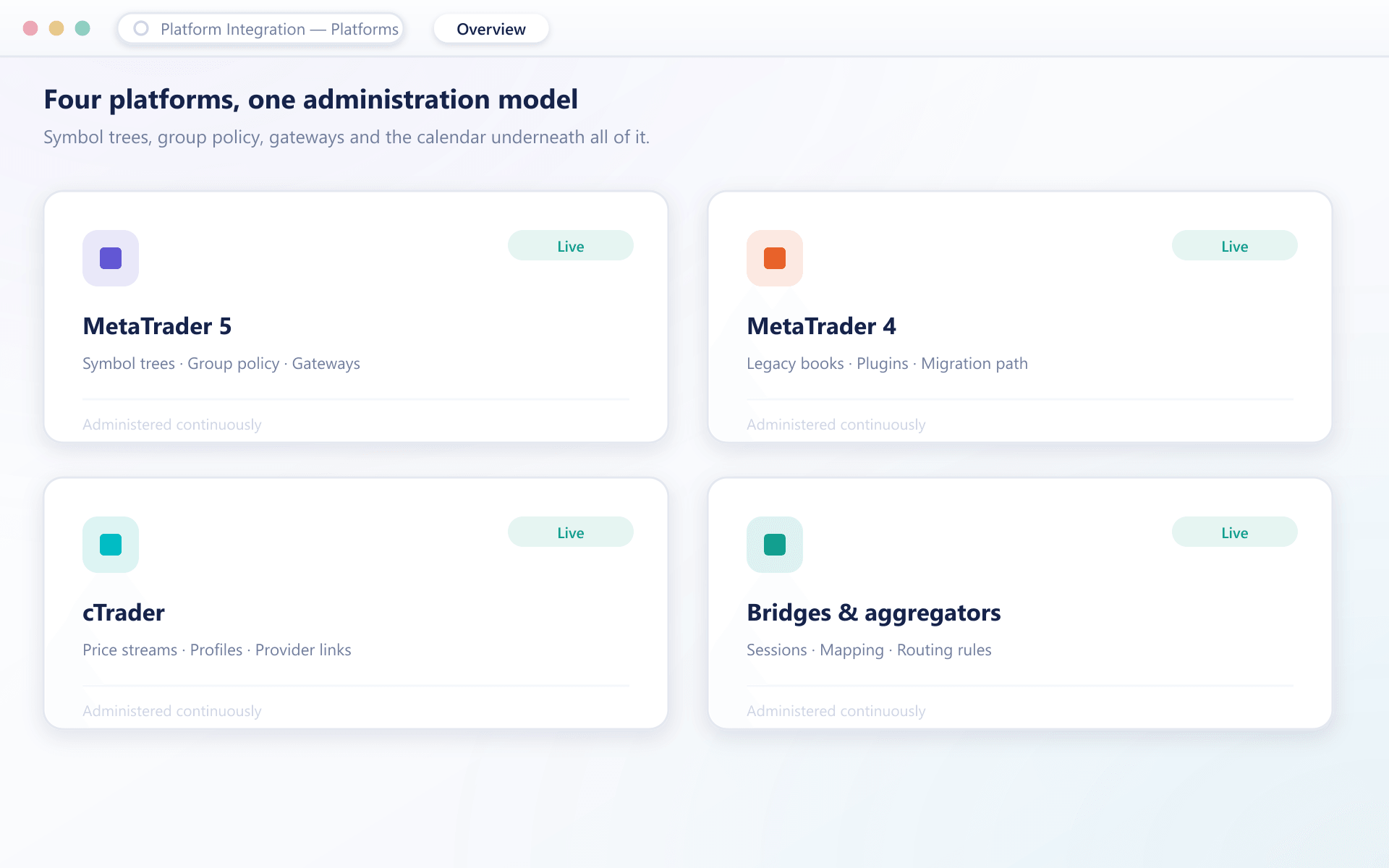
Four platforms, one administration model
Whichever combination you run, the surfaces we touch are the same — symbol trees, group policy, gateways and the calendar underneath all of it.
Running more than one
Most desks end up with two
A long-standing book on one platform, a newer one alongside it, and a bridge holding the two to the same set of providers. That is the normal case rather than the complicated one.
One provider set, two platforms
Provider connections are configured once and shared, so pricing and routing behave the same on both sides rather than drifting apart.
One change log
Configuration changes across every environment are requested, reviewed and recorded in the same place, whichever platform they land on.
One escalation path
When something breaks at 3am you contact one team, not whichever vendor you think owns the piece that failed.
Tell us what you are running
Whichever combination it is, the first step is the same — we look at the environment before anyone proposes changing it.