PayVault · Section
Controls & Compliance
Screening that runs after settlement is not screening, it is reporting. These three pages cover what happens before a movement, at the moment of the request, and in the record left behind.
See it live
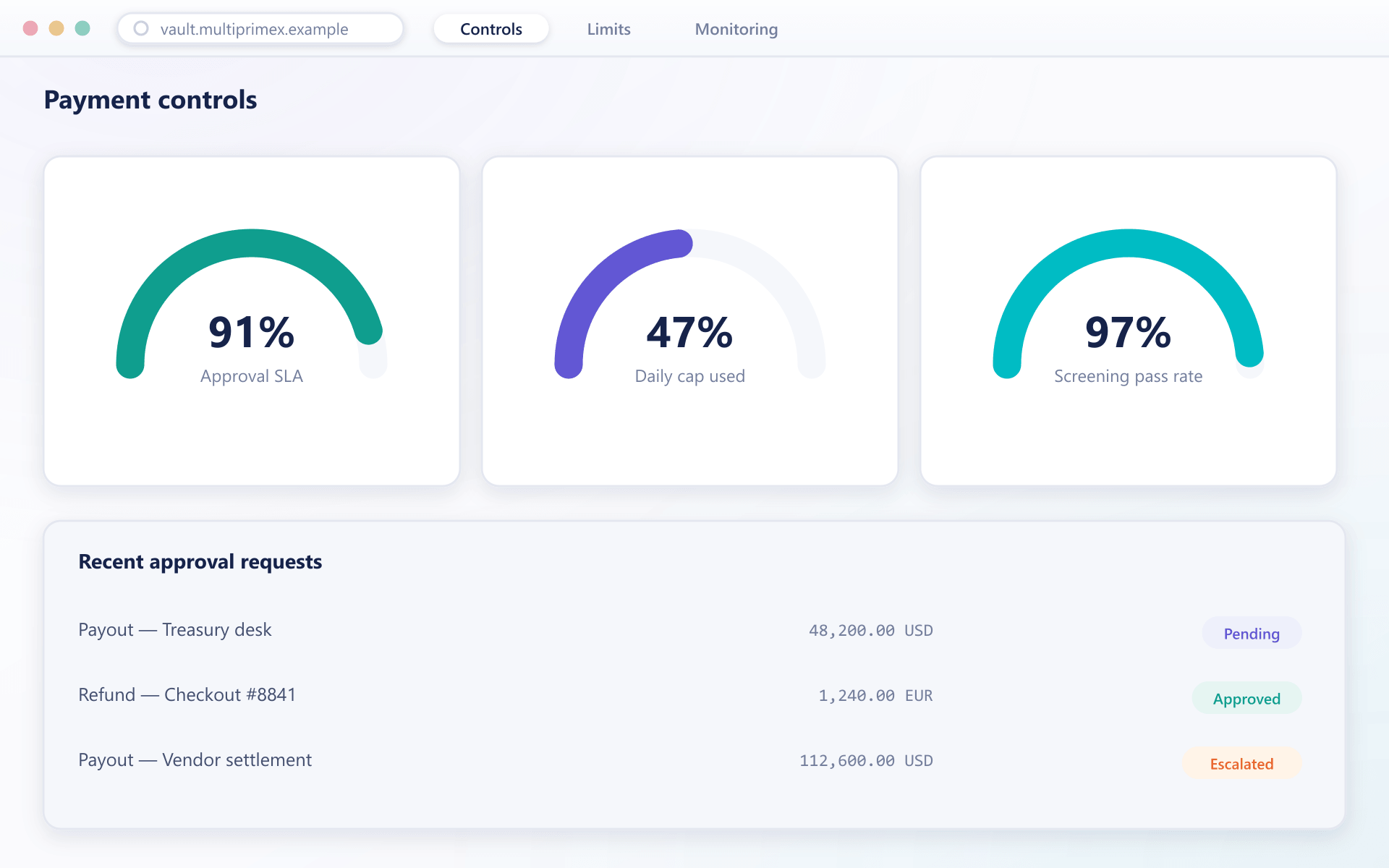
Every limit, every check, visible in one place
Monitoring, limits and settlement reporting below all read from the same payment ledger, so what you see here is what actually enforced the movement.
Where this sits
These are payment controls, not client compliance
Verifying who a client is, screening them against sanctions lists and scoring their risk happens in BrokerOS. What happens here is narrower and sits on the money itself: this movement, this destination, this amount, right now.
BrokerOS complianceThe division
Is this person who they say they are?BrokerOS
Should this client be allowed to trade?BrokerOS
Is this destination address sanctioned?PayVault
Is this withdrawal above the approval threshold?PayVault
Controls review
Walk through it with your second line
We will show the monitoring path, the approval thresholds and the settlement records against the flows you actually run.