Connectivity
Every venue is different, and that stops being your problem
Symbol naming, price precision, size steps, rejection semantics — each venue does it its own way. BridgeX absorbs those differences at the edge so everything downstream sees one consistent interface.
Three venues, one instrument
What an integration actually involves
The work is mostly translation, and translation belongs in configuration
Symbol mapping
A venue's instrument identifiers are mapped to your canonical symbols, so the same instrument is one thing across every connected source.
Precision and steps
Price precision, quantity step and minimum size are recorded per venue, and orders are shaped to them before they are sent.
Rejection semantics
Every venue rejects differently. Rejections are normalised into a common set of reasons so downstream handling does not need venue-specific branches.
Credential management
Credentials are stored per venue and rotated without touching the routing configuration that depends on them.
Added as configuration
Bringing a new venue online is a configuration exercise plus certification, not a code change and a deployment.
See it live
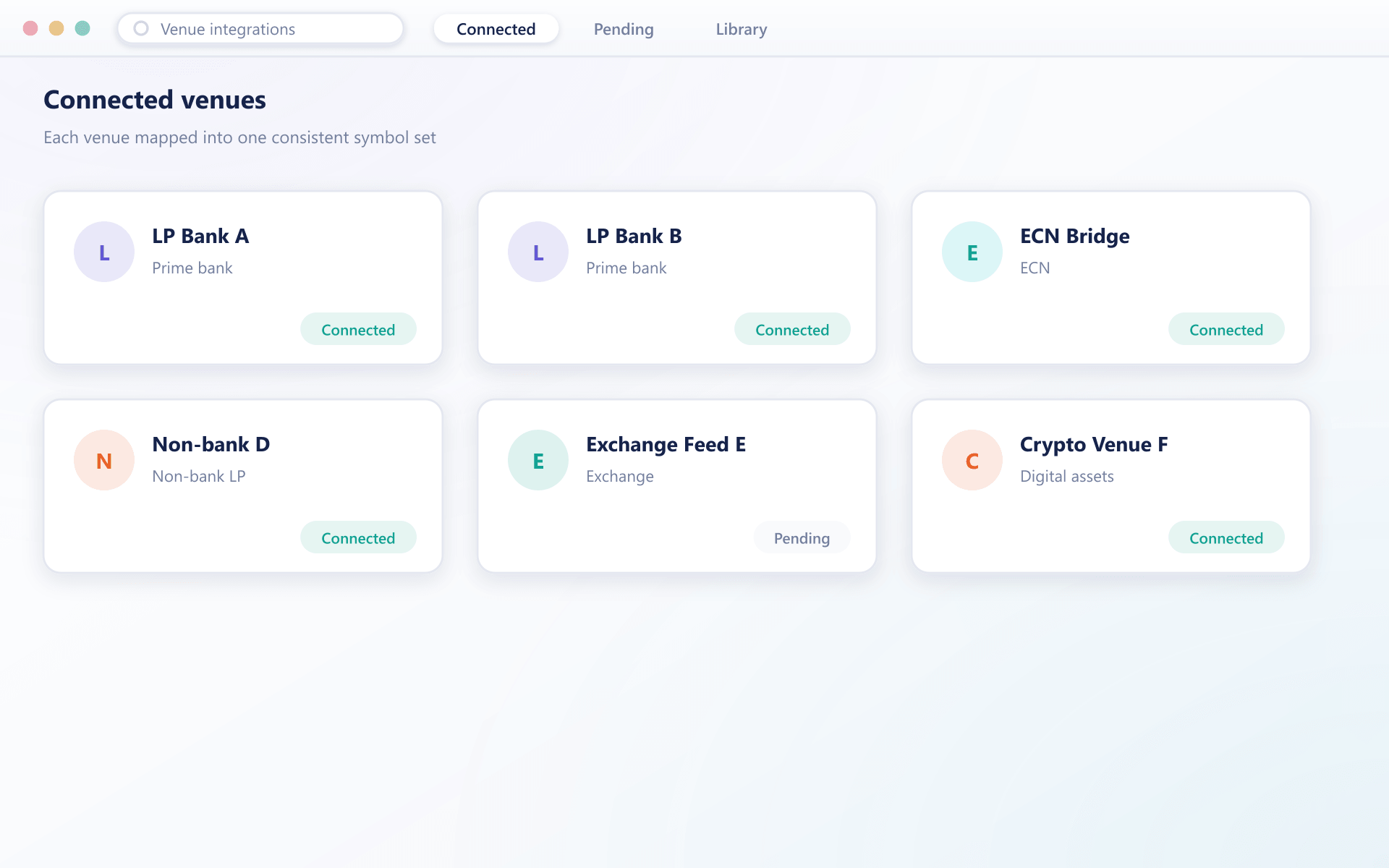
Every venue, mapped into one list
Once a venue’s symbols and precision are mapped, its instruments simply appear in the same list as everything else you already trade.
Bringing a venue online
Four steps, and the second one is where most of the effort actually goes
- 1Connect
Establish the session
Credentials are exchanged, the session is configured and connectivity is proven in a test environment before any pricing is consumed.
- 2Map
Translate the venue's world to yours
Instrument identifiers, precision, size steps and any venue-specific conventions are mapped to your canonical definitions. This is where most of the effort goes, and it is worth doing carefully.
- 3Validate
Compare against expectation
Incoming pricing is checked against reference data and against the other connected sources, which is how a mapping mistake is caught before clients see it.
- 4Enable
Join aggregation and routing
The venue is added to the instruments it can price, with its weighting or priority in the routing rules set explicitly.
What one integration layer saves
The cost of venue connectivity is rarely the first integration. It is the tenth, and every upgrade after it.
Maintenance stays flat
A venue's protocol change is absorbed once, not in every system that talked to it.
Faster venue addition
Commercial decisions about liquidity stop waiting on an engineering backlog.
Consistent downstream
Your platform, risk system and reporting all see one normalised shape.
Real negotiating power
When switching a venue is cheap, renewal conversations go differently.
FAQ
Venue integrations: common questions
5 short answers to what teams ask before a demo.
For a venue already supported, it is configuration plus certification — typically days rather than weeks. A venue requiring a new protocol adapter takes longer, and we will tell you which case you are in before you commit.
Venues name the same instrument differently. Mapping translates each venue's identifiers to your canonical symbols, which is what lets several sources be aggregated into one book rather than appearing as separate instruments.
They are normalised into a common set of reasons at the edge. Your downstream systems handle one vocabulary instead of carrying a branch for every venue's error codes.
Yes. Credentials are stored per venue and can be updated independently of the routing configuration that depends on the session, so a rotation does not require reconfiguring rules.
The change is absorbed in the integration layer. Your platform and any downstream systems continue to see the same normalised interface and generally need no change at all.
Still have a question?
A specialist will answer it directly, with your set-up in mind.
Ask a specialistSend us your venue list
We will tell you which are already supported, what each would involve, and how long a realistic rollout takes.