Back Office
Work a list of clients, not one client at a time
A desk that can only search by name is a desk that reacts. Labels, custom fields and saved segments turn your client base into lists someone can actually work through.
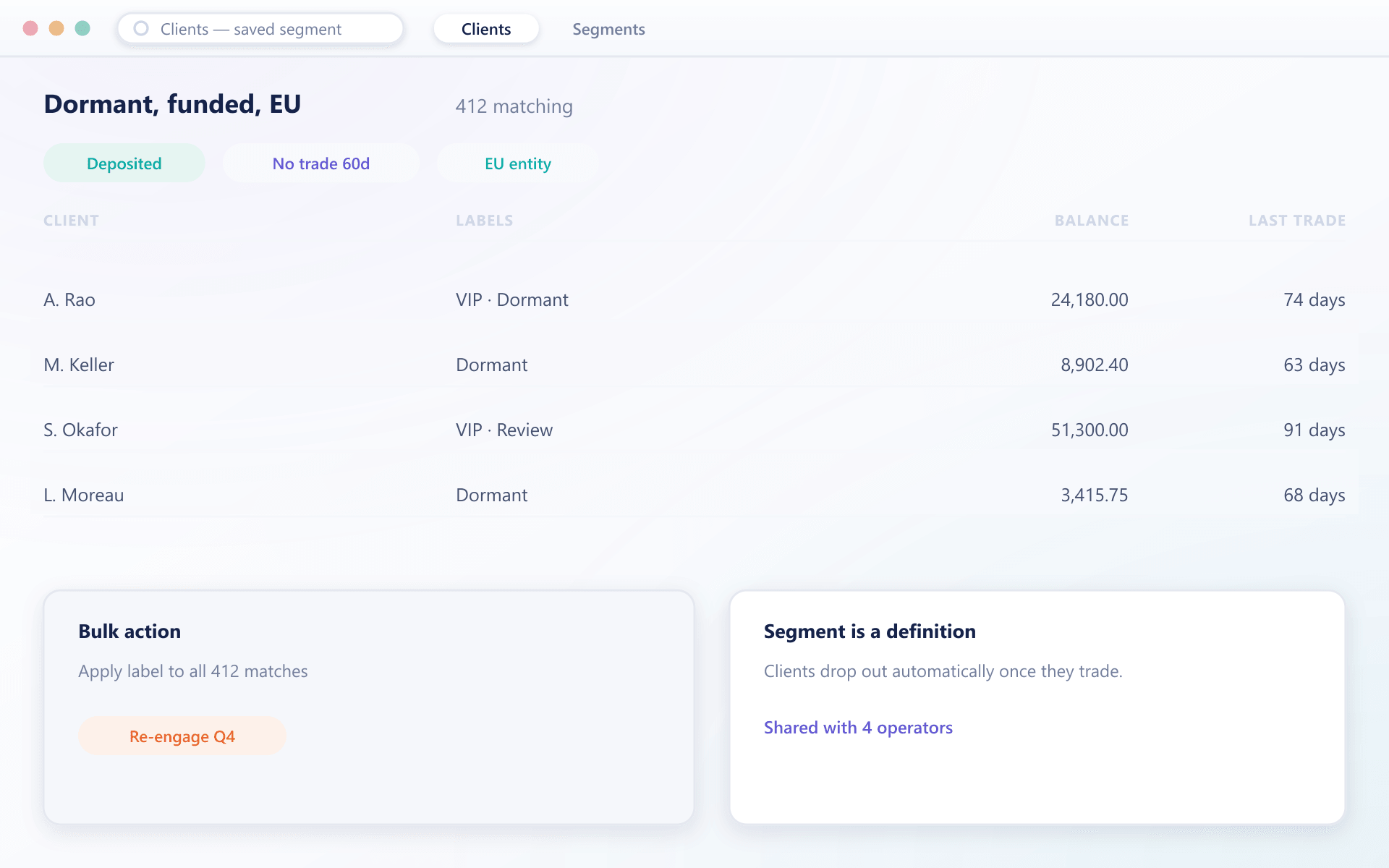
What you can slice by
The client base becomes queryable
Anything you record about a client can be filtered on, saved as a segment and handed to the person who needs to act on it.
Labels applied by hand or in bulk
Short coloured markers you define, applied to one client or thousands at once, and filterable with has-all or has-none logic.
System labels that maintain themselves
Deposited, verified and partner status are marked automatically, so a segment stays accurate without anyone refreshing it.
Fields specific to your business
Custom fields you define are stored on the record, shown on the client card and available in filters, exports and the API.
Segments your team can share
A filter someone builds once is saved and reused, so the same definition of a dormant client is used across the desk.
Exports that carry the context
Labels and custom fields travel with exports, so the list a marketing team receives is the list the desk was looking at.
How it runs
From a hunch to a worked list
Build the filter
Combine verification state, balance, activity, labels and your own fields until the list is the one you meant.
Mark them
Apply a label in bulk so the group survives the session and anyone can find it again.
Hand it to someone
Save the segment and it is available to the whole desk, subject to the same role permissions as everything else.
Measure what changed
Because the segment is a definition rather than a snapshot, you can see whether the group shrank after you acted on it.
Segmentation questions
How lists stay useful
4 short answers to what teams ask before a demo.
Both. Some are maintained by the system, such as whether a client has deposited, and you can create your own and apply them individually or in bulk.
Yes. Custom fields you define behave like any built-in field in filters, exports and the API.
A saved segment is a definition, not a frozen list, so a client who stops matching drops out of it without anyone rebuilding it.
Yes. Segments respect the same role permissions as the rest of the console, so a restricted operator sees a restricted list.
Still have a question?
A specialist will answer it directly, with your set-up in mind.
Ask a specialistBring the list you cannot build today
Describe the group you keep trying to pull out of your current system and we will build it live in the console.