Client Area
The paperwork clients ask for, produced without asking
Account statements, transaction exports, period summaries and their own uploaded documents are all available to the client directly, generated from the same ledger your back office reads.
Monthly statement
Generated automatically
Custom period
Any date range, on demand
Transaction export
Filtered, spreadsheet-ready
Identity document
Uploaded by the client
What clients can produce for themselves
Every item here is a support request that no longer needs to be made
Scheduled statements
Periodic account statements generated automatically per client group and delivered to the client area or by email.
Self-serviceCustom periods
A client can generate a statement for any date range on demand, which covers the requests a fixed schedule never anticipates.
Self-serviceTransaction exports
Filtered history exported in a spreadsheet-friendly format, with the applied filters recorded in the file.
Self-serviceDocument storage
Verification documents the client uploaded remain visible to them with their status, so nothing has to be re-sent on request.
Self-serviceGenerated from the ledger
Statements read the same records the platform and your back office read, so a client's document cannot disagree with your system.
Self-serviceSee it live
A statement, produced without a request
Any period, any account, generated from the same ledger your back office reads — so it can never disagree with your records.
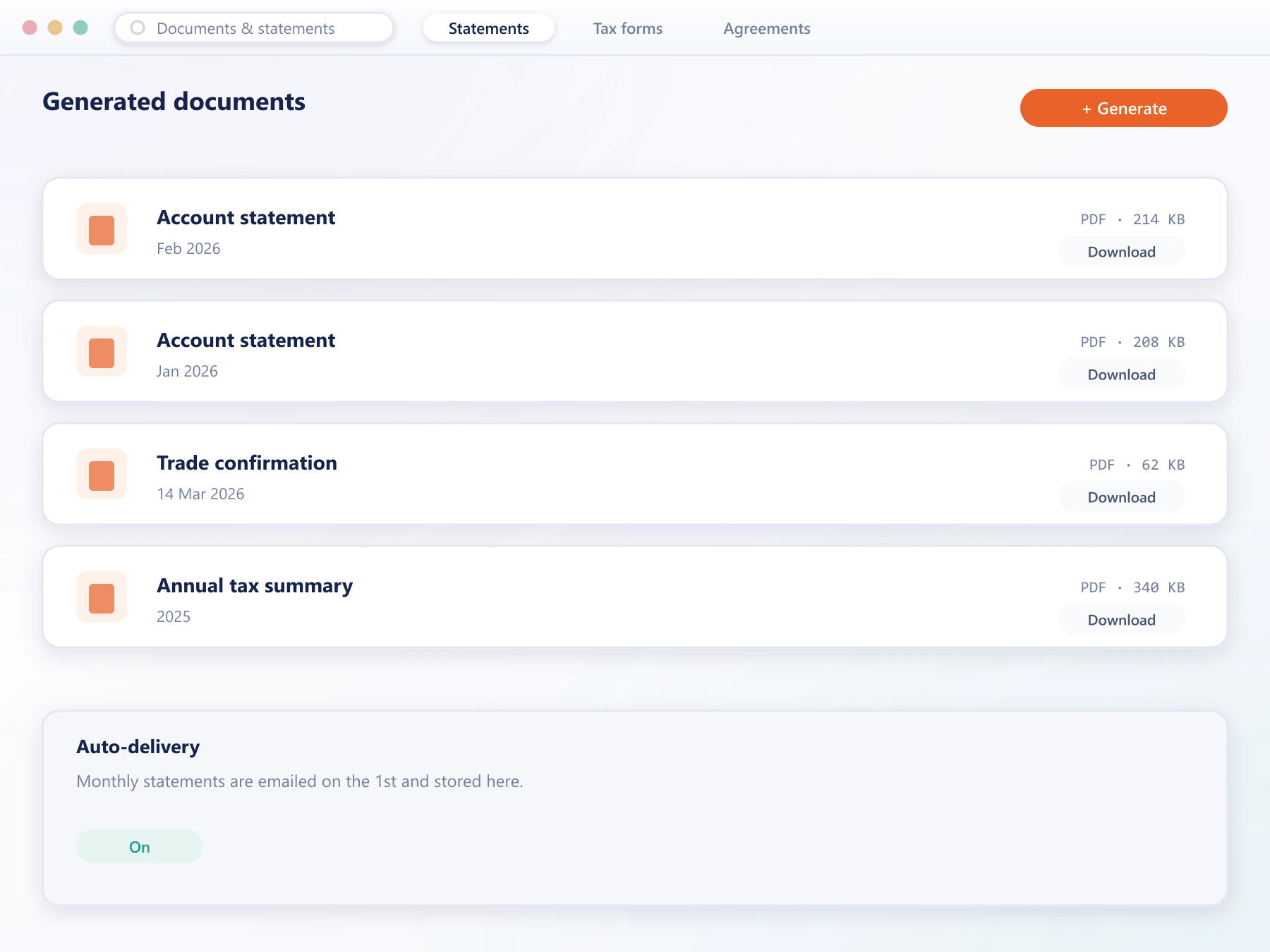
Where a statement comes from
There is no assembly step, so there is no window when a statement would be incomplete
- Source
The ledger, not a copy
Every entry that makes up a statement was written when the event happened. Nothing is reconstructed at generation time.
- Scope
Period and accounts chosen
The client picks a date range and which accounts to include. Scheduled statements use a saved scope per client group.
- Render
Your branding, your format
The document carries your identity and the fields your jurisdiction expects, configured once per group.
- Deliver
Available and sent
The statement appears in the client area and, where configured, is emailed from your own sending domain.
What self-service documents remove
Statement requests are dull, frequent and entirely avoidable.
Fewer requests
Clients produce what they need instead of emailing your desk for it.
Regulatory cover
Scheduled statements satisfy the record-keeping most jurisdictions expect.
No disputes
Because statements read the ledger, they cannot contradict what your system shows.
Faster client audits
A client's accountant gets the export directly rather than through your team.
FAQ
Documents and statements: common questions
5 short answers to what teams ask before a demo.
Yes. Alongside scheduled statements, a client can produce one for any custom date range on demand, which covers the requests a fixed schedule never anticipates.
Yes. They carry your identity and the fields your jurisdiction expects, configured once per client group and applied to every document generated.
No. Statements are generated from the same ledger your back office reads, so there is no separate document store that could drift out of step.
Yes, along with their current verification status. That removes the common situation where a client re-sends a document because they cannot tell whether it arrived.
They appear in the client area and, where you enable it, are emailed from your own sending domain on the schedule configured for that client group.
Still have a question?
A specialist will answer it directly, with your set-up in mind.
Ask a specialistReview your statement format
Bring the fields your regulator expects and we will configure the statement template during the call.