Developers
Clients should log in once, not once per system
Where you already run a website, an app or a trading platform with its own login, BrokerOS can accept that identity rather than creating a second one — and your operators can sign in through your own directory.
Clients
Never create a second account
Session carries into the platform
No extra password to forget
Operators
Joiners handled where they already are
Leavers revoked in one place
Your password policy applies
Two quite different identity problems
Clients and operators need opposite things, and both are supported
Client single sign-on
A client authenticated by your existing system arrives at the client area already signed in, with no second account created.
Operator directory
Your team signs into the console through your own identity provider, so joiners and leavers are handled where they already are.
Session propagation
Signing in once carries through to the trading platform and the mobile apps rather than stopping at the client area.
Central revocation
Revoking access in your directory ends the session everywhere, which is the point of centralising it in the first place.
Fallback authentication
Where SSO is unavailable, native authentication with two-factor remains configured so nobody is locked out by an outage.
Passwordless and social sign-in
Without an identity provider of your own, clients can sign in with a one-time code or link, or with an account they already hold, through the built-in identity service.
See it live
One sign-in, carried everywhere
A client authenticated by your own system lands inside the platform already signed in — no second password, no second account.
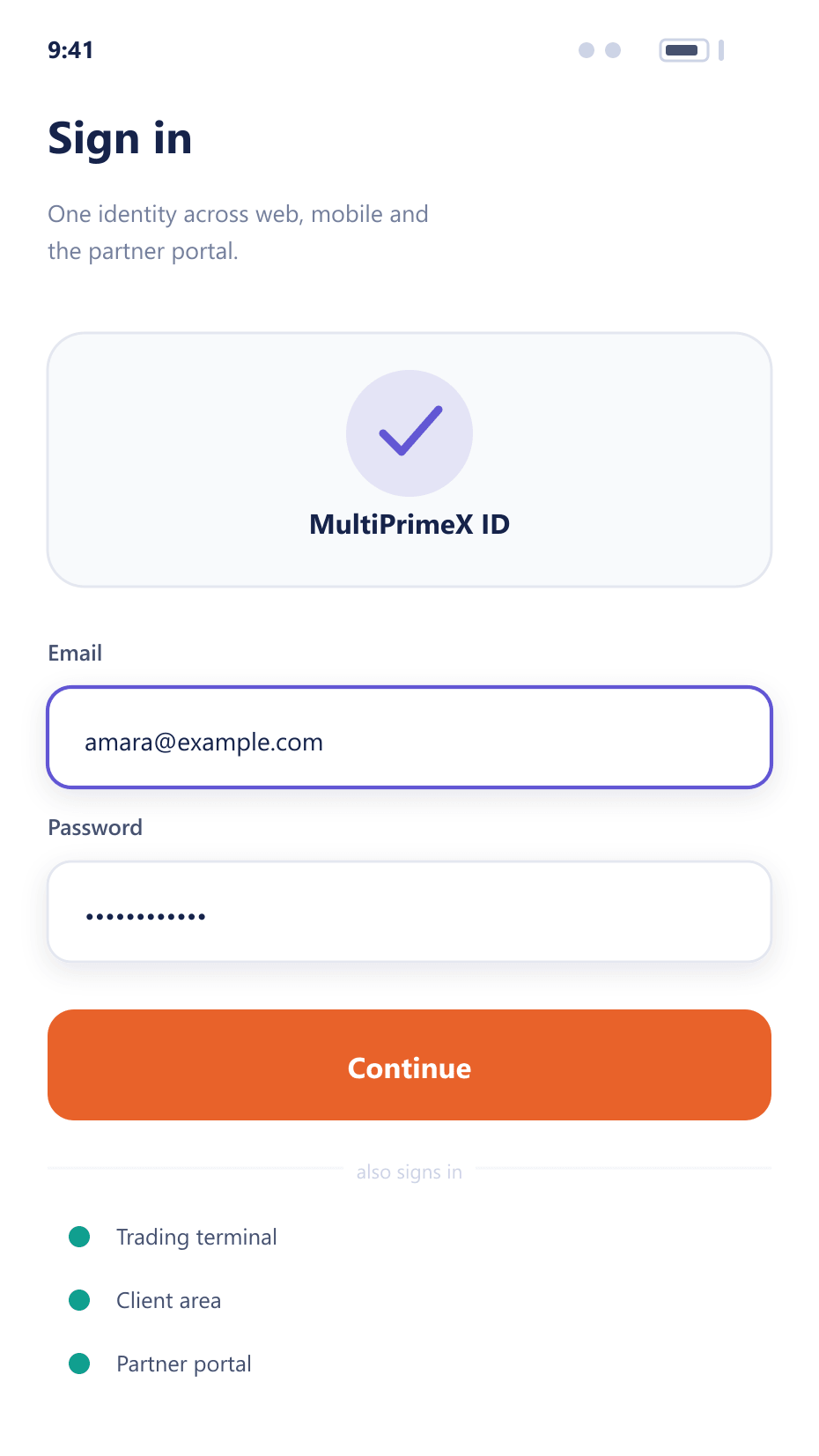
A session across systems
The complexity is in ending sessions, not starting them
- Authenticate
Your system decides
The client or operator authenticates against your identity provider. BrokerOS trusts the resulting assertion rather than holding its own password.
- Map
Identity to account
The assertion is mapped to a client or operator record, creating one on first sign-in where you allow it.
- Propagate
Carried to the platform
The session extends to the trading platform and mobile apps, so a client is not asked to authenticate again mid-journey.
- Revoke
Ended everywhere at once
A revocation in your directory ends the session across every surface immediately rather than waiting for it to expire.
Why centralised identity is worth the setup
The security argument and the experience argument point the same way for once.
Fewer abandoned logins
Clients who do not have to create a second account complete more journeys.
Real offboarding
Removing an operator from your directory actually removes their access, immediately.
One password policy
Your existing policy applies rather than being duplicated and drifting.
Fewer reset requests
Password resets happen in one system instead of several.
FAQ
SSO: common questions
6 short answers to what teams ask before a demo.
The standard enterprise and consumer protocols used for federated sign-in. The specific configuration depends on your provider and is set up during onboarding.
Yes, and they usually should. Clients typically authenticate through your consumer-facing system while operators sign in through your internal directory.
Yes. Session propagation extends the sign-in to the trading platform and the mobile apps, so a client is not asked to authenticate again partway through their journey.
Their session ends across every surface immediately rather than continuing until natural expiry, which is the main operational reason to centralise identity.
Native authentication with two-factor remains configured as a fallback, so an outage on your side does not lock your team out of the console.
The built-in identity service. Clients can sign in with a one-time code or link instead of a password, or with an existing social account where you enable it, and two-factor can still be required on top.
Still have a question?
A specialist will answer it directly, with your set-up in mind.
Ask a specialistPlan your identity integration
Tell us which providers you run for clients and staff and we will map the integration.