Partners & IB
The monthly payout should not be a monthly project
Accrued commission, a schedule, a minimum threshold and an approval step. The run produces a statement per partner and pays through the method each one chose, with clawbacks handled automatically.
Payout run · awaiting approval
1 manual stepIllustrative run. Everything except the approval happens without anyone touching it.
See it live
A withdrawal, tracked the same way a payout is
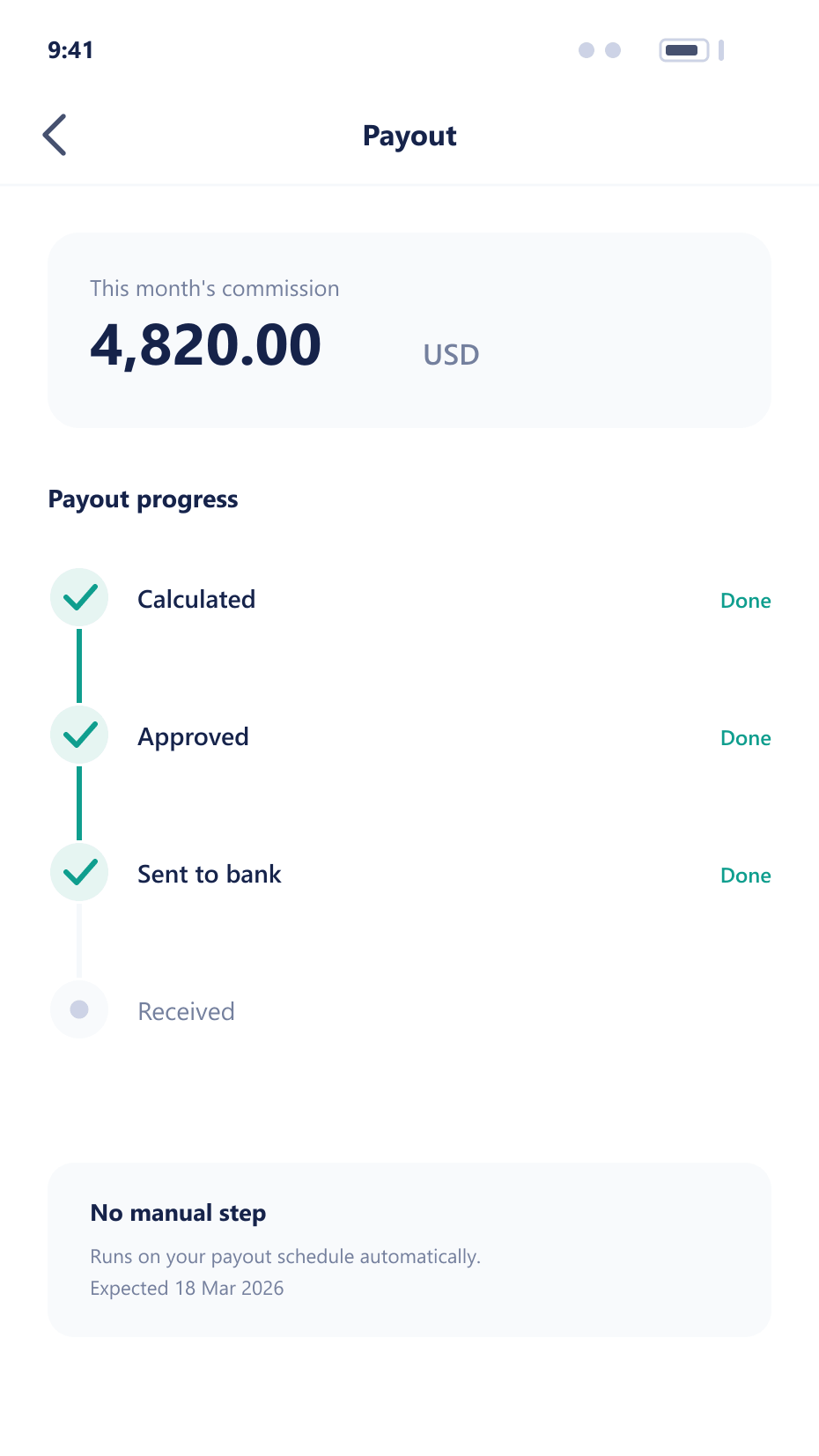
The same automated flow that pays a partner also settles a client withdrawal, with status visible at every step from request to funds sent.
What a payout run handles
Each of these is a step that otherwise happens in a spreadsheet
Scheduled runs
Payouts run on the schedule you set per partner tier, collecting accruals for the period automatically.
scheduleMinimum thresholds
Balances below a threshold carry forward instead of generating a payment that costs more to process than it is worth.
thresholdApproval step
A run can require review before execution, with the total, the partner count and any anomalies surfaced.
approvalSeveral methods
Payout to an internal wallet, a bank transfer or a digital asset address, chosen per partner.
methodsClawback handling
Where a qualifying condition is later reversed, the commission is deducted from the next run rather than chased separately.
clawbackA payout run end to end
The approval step is the only part that needs a person
- Collect
Accruals for the period
Commission accrued during the period is collected per partner, with any clawbacks and carried-forward balances applied.
- Filter
Thresholds applied
Partners below the minimum carry forward. The rest form the run, with a statement generated per partner.
- Approve
Reviewed before money moves
The run total, partner count and any unusual amounts are presented for approval, which is the only manual step.
- Pay
Executed per method
Each partner is paid through their chosen method, and the payment is written to the ledger against their accruals.
What automation removes
Manual payouts are slow, error-prone and the fastest way to lose a good partner.
No monthly project
The run collects, filters and pays without anyone assembling a spreadsheet.
Fewer errors
Accrual-driven payouts cannot pay an amount that was never earned.
Partners paid on time
A schedule that actually holds is a significant retention factor for partners.
Clean books
Payments written against accruals make partner liability a query rather than an estimate.
FAQ
Payout automation: common questions
5 short answers to what teams ask before a demo.
On whatever schedule you set, and it can differ by partner tier. Weekly for high-volume partners and monthly for the rest is a common arrangement.
The balance carries forward to the next run rather than generating a payment whose processing cost exceeds its value. The partner sees the carried balance in their portal.
It can be. A run presents its total, partner count and any unusual amounts for review before execution, which is the only manual step in the process.
Where a qualifying condition is later reversed — a deposit charged back, for example — the commission is deducted from the partner's next run automatically rather than being chased separately.
Credit to an internal wallet, bank transfer, or a digital asset address, chosen per partner. Each payment is written to the ledger against the accruals it settles.
Still have a question?
A specialist will answer it directly, with your set-up in mind.
Ask a specialistRun a payout with us
We will execute a full payout run on a demo environment, including approval and statements.