BrokerOS · Section
Client Area
The part of the platform your clients actually see. Everything here is designed so a client can answer their own question rather than open a ticket.
8 capabilitiesSee it live
Six things your clients handle themselves
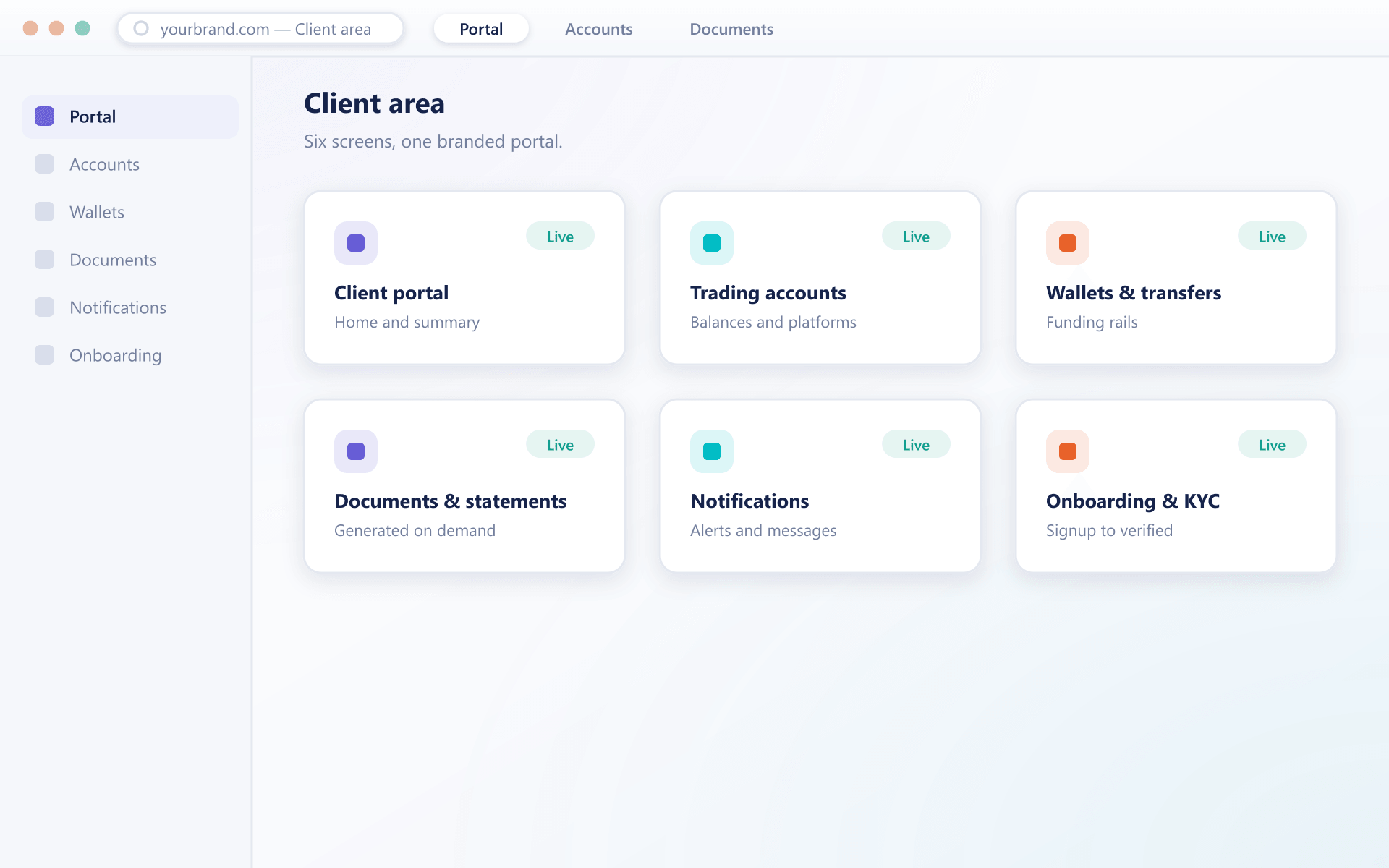
Onboarding, the portal, wallets, accounts, statements and notifications sit behind one navigation, in your branding, end to end.
Arriving
Getting a prospect to a working, verified account.
Operating
Everything a funded client does day to day.
Keeping informed
The records and messages that prevent support tickets.
What it covers
Six surfaces, one account
A client never sees a seam between these. They sign in once and everything below is part of the same branded environment.
Verification that asks in stages
Registration takes contact details. Documents are requested only when a client tries to do something that requires them, so nobody abandons a form on day one.
Funding with the real cost shown
Deposits, withdrawals and transfers run through per-currency wallets, and the amount that will actually land is shown before the client confirms.
Accounts across every platform you run
Live and demo accounts open against any connected trading platform without a second login or a second identity check.
Paperwork clients fetch themselves
Statements and confirmations are generated on a schedule and kept on the account, so support stops being the delivery mechanism.
Messages on the channel they read
Funding events, verification outcomes and account changes go out by email, in-app or push using templates you control.
Their language, not yours
Every string is translated through the Localization Module, including right-to-left layouts, without forking the deployment per region.
Client area questions
What clients can and cannot do themselves
5 short answers to what teams ask before a demo.
Yours, completely. Domain, logo, palette, typography and email templates are set per brand, and no provider or vendor name appears anywhere a client can reach.
Yes, across several platforms if you run more than one. They all sit under a single verified identity, and the account types available to each client follow the rules you set for their jurisdiction.
The client sees the failure with a reason rather than a spinner, and the attempt is recorded so your desk can see it in the back office without the client having to explain it.
Routine details yes, and the change does not reset their verification level. Anything that affects identity goes to your operations queue for review first.
The same client area adapts to the screen rather than dropping features, and it can be installed to a home screen so it opens like an app without going through an app store.
Still have a question?
A specialist will answer it directly, with your set-up in mind.
Ask a specialistSee the client area as your clients would
Send us your logo and colours before the call and we will walk the whole journey — signup, verification, funding, first trade — in your branding.