Growth Tools
Clients should only ever see your business
Your domain, logo, colour system and typography across the client area, the mobile apps and every email the platform sends. There is no provider name anywhere a client can reach.
Where your name appears
See it live
The full product stack, under your name
Client area, mobile apps, statements and API endpoints are six connected modules carrying one identity, not six separate rebrands to manage.
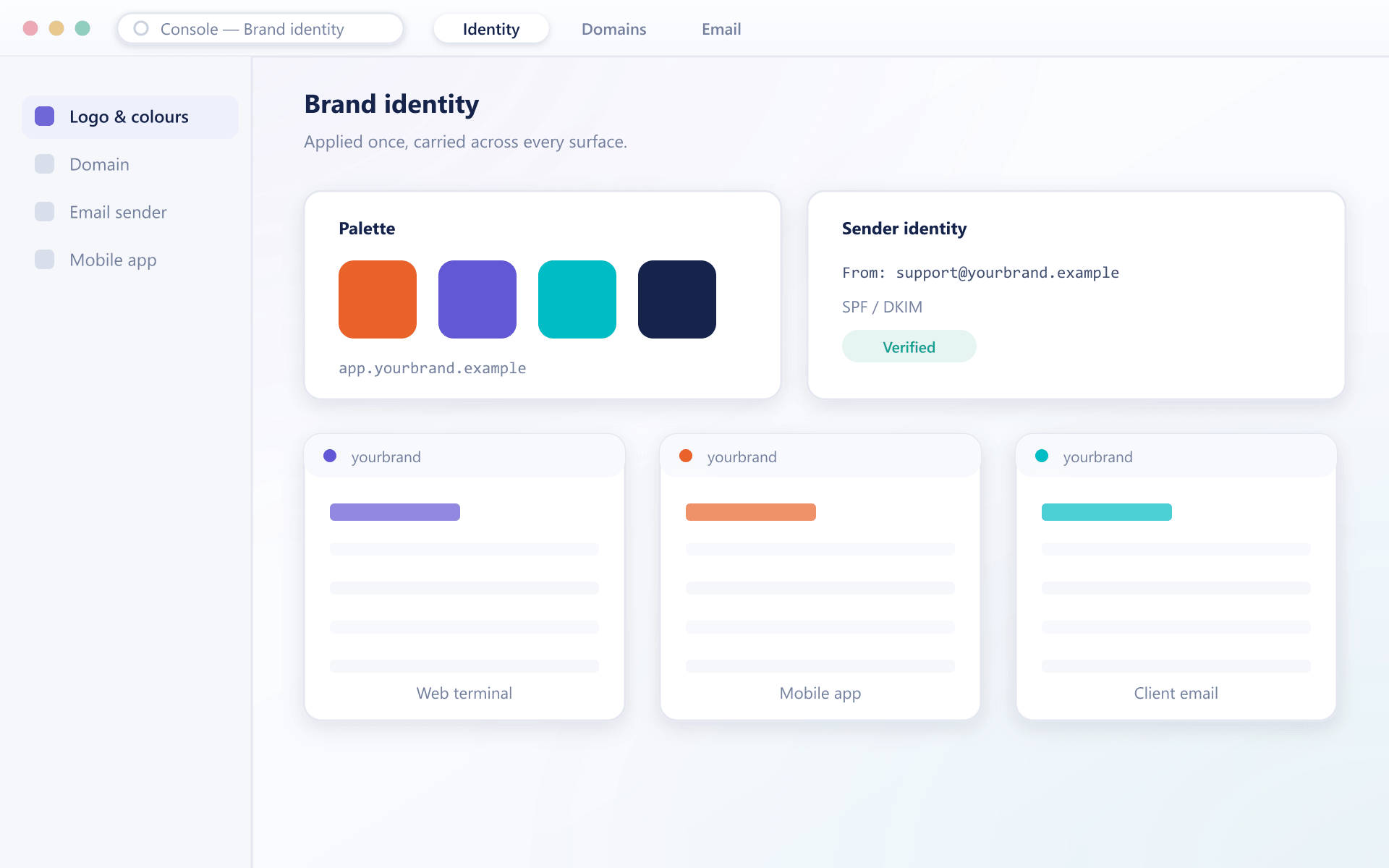
Everything that carries your identity
White labelling fails when one screen or one email still says somebody else’s name
Domain and certificates
The client area and its API endpoints run on your domain, with certificates attached during onboarding.
domainVisual identity
Logo, colour system, typography and iconography applied across web and mobile from one configuration set.
identityEmail templates
Verification, alerts, statements and notifications all use your templates and your sending domain.
emailMobile listings
The mobile apps are published under your developer account with your name, icon and store listing.
appsNo provider traces
There are no references to the underlying provider in the interface, the emails, the documentation or the page source.
tracesFrom brand pack to live platform
What you supply, and what we do with it
- 1Supply
Your assets
A vector logo, colour values, typography choices and any imagery. A brand guide is the fastest possible input.
- 2Apply
As configuration
The brand becomes a configuration set rather than a code fork, which is what makes a later refresh straightforward.
- 3Attach
Your domain and certificates
Domain and certificates are attached during onboarding, covering the client area and the API endpoints.
- 4Publish
Apps under your name
Mobile builds are prepared with your identity and submitted through your own developer account, so the listing is yours.
Why partial white labelling fails
Partial white labelling is worse than none, because clients notice the seam.
Client trust
A consistent brand reads as an established business rather than a reseller.
Marketing coherence
Campaigns land on a platform that looks like the campaign, which affects conversion.
The relationship is yours
With no provider name visible, the client relationship is unambiguously yours.
Rebrand without rebuilding
Because branding is configuration, a refresh is applied rather than redeveloped.
FAQ
Branding: common questions
5 short answers to what teams ask before a demo.
No. There are no provider references in the interface, the emails, the client documentation or the page source. Clients interact only with your brand.
A vector logo, your colour values, typography choices and any imagery you want used. If you have a brand guide, sending that is usually the fastest route.
Yes. Builds are prepared with your identity and submitted through your own developer account, so the store listing, name and icon are yours.
Yes. Because branding is applied as configuration rather than a code fork, a refresh is a configuration change. Mobile apps need a new build and submission, which we handle.
Yes. Every message uses your templates and your sending domain, so verification codes and statements arrive from you rather than from an unfamiliar address.
Still have a question?
A specialist will answer it directly, with your set-up in mind.
Ask a specialistSee the platform in your branding
Send us your logo and colours before the call and we will show you the client area in your identity.