Compliance
Verification stays your commercial decision
BrokerOS does not sell you verification. It integrates the provider you already contract with — Sumsub, Crystal, Chainalysis, LSEG and Notabene are common choices — keeps document capture inside your branded client area, and handles the callbacks and resubmissions.
What the client experiences
Your domainClient sees
- verify.yourbrand.com
Branding
- Yours throughout
Provider
- Behind the scenes
Contract
- Yours, direct
The provider does the checking. The client never finds out who it is.
What the integration handles
The provider does the checking. Everything around it is what affects conversion.
Capture in your area
Document upload and guidance happen on your domain in your branding, then the package is submitted to the provider.
Status callbacks
Approval, rejection and requests for more information are pushed back into the client area without a support ticket.
Resubmission handling
A rejection explains what was wrong and lets the client resubmit directly, which recovers a large share of failed checks.
Fallback routing
Where you run more than one provider, a technical failure at one routes the check to another rather than failing the client.
Provider swappable
Because the integration is generic, changing provider is a configuration exercise rather than a rebuild of onboarding.
See it live
Capture that never leaves your app
Document upload and guidance run inside your own client area, on your domain, before the package is ever handed to a provider.
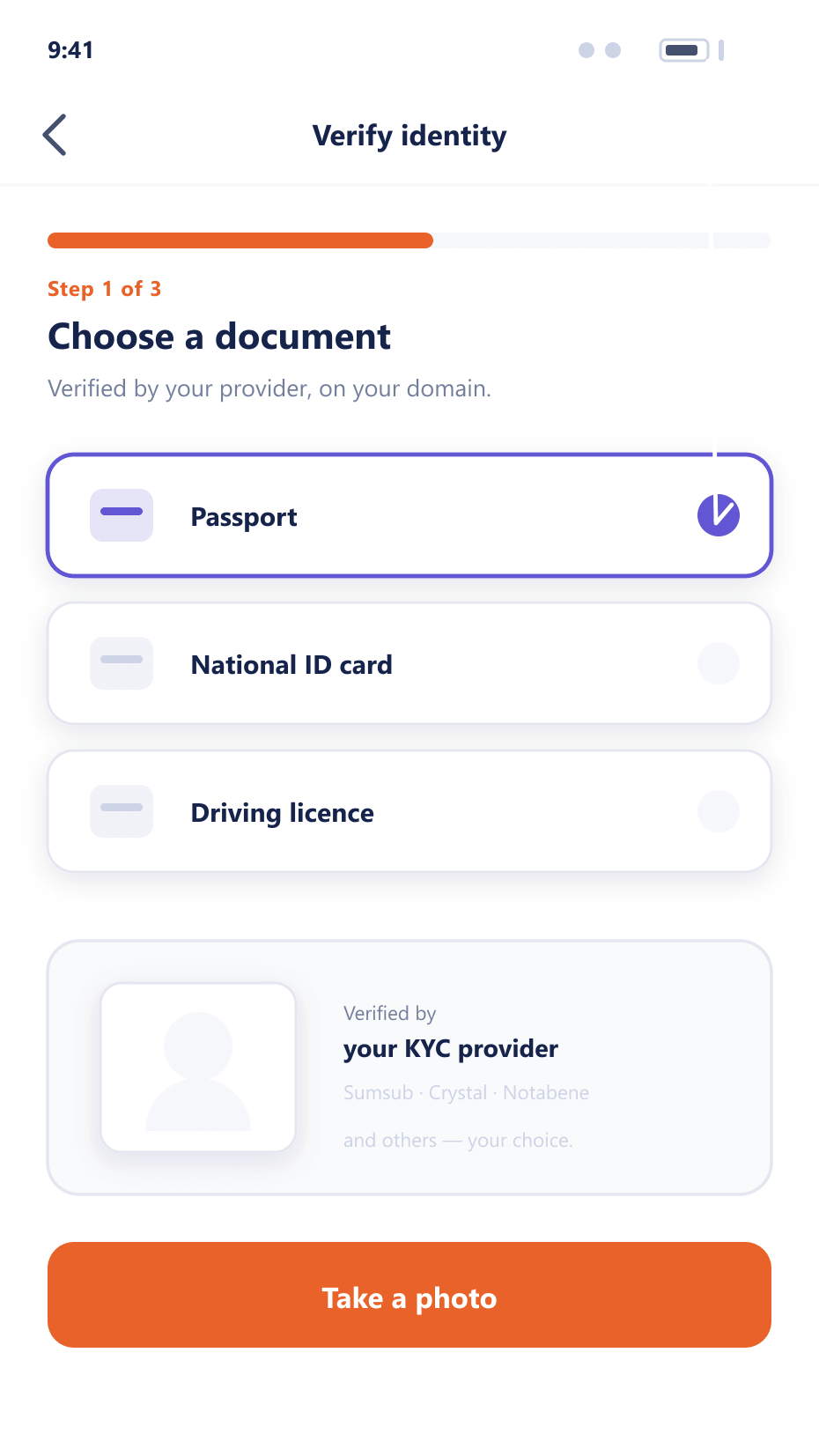
A verification check end to end
The client should never be aware there is a third party involved
- 01Capture
On your domain
The client is guided through document and selfie capture inside your client area, with format checks applied before submission.
- 02Submit
Handed to your provider
The package is submitted through the provider's integration under your own account and rates.
- 03Return
Outcome pushed back
The result arrives as a callback and updates the client record and the client area immediately, without polling.
- 04Resolve
Approved or corrected
Approval moves the client into the group carrying the new permissions. A rejection explains what is needed and allows immediate resubmission.
Why the wrapper matters as much as the provider
Two brokerages using the same provider can see very different completion rates.
Higher completion
Capture guidance and in-place resubmission recover checks that would otherwise be abandoned.
Your brand throughout
Clients never leave your domain or see a third-party interface.
Commercial freedom
A generic integration means provider terms remain negotiable.
Fewer support tickets
Status pushed into the client area removes the most common verification enquiry.
FAQ
Verification providers: common questions
5 short answers to what teams ask before a demo.
No. The integration is generic and works with the provider you contract with directly, so the rates and the commercial relationship stay yours.
No. Capture and guidance happen inside your client area on your domain. The submission to the provider is invisible to the client.
The client area explains what was wrong and allows immediate resubmission. That recovers a meaningful share of checks that would otherwise be abandoned entirely.
Yes. Where you do, a technical failure at one routes the check to another rather than presenting the client with a failure they cannot act on.
It is a configuration exercise rather than a rebuild. The onboarding flow, capture screens and client experience stay as they are.
Still have a question?
A specialist will answer it directly, with your set-up in mind.
Ask a specialistIntegrate your provider with us
Tell us who you use and we will walk through the integration and the callback handling.