Client Area
Telling clients things, reliably
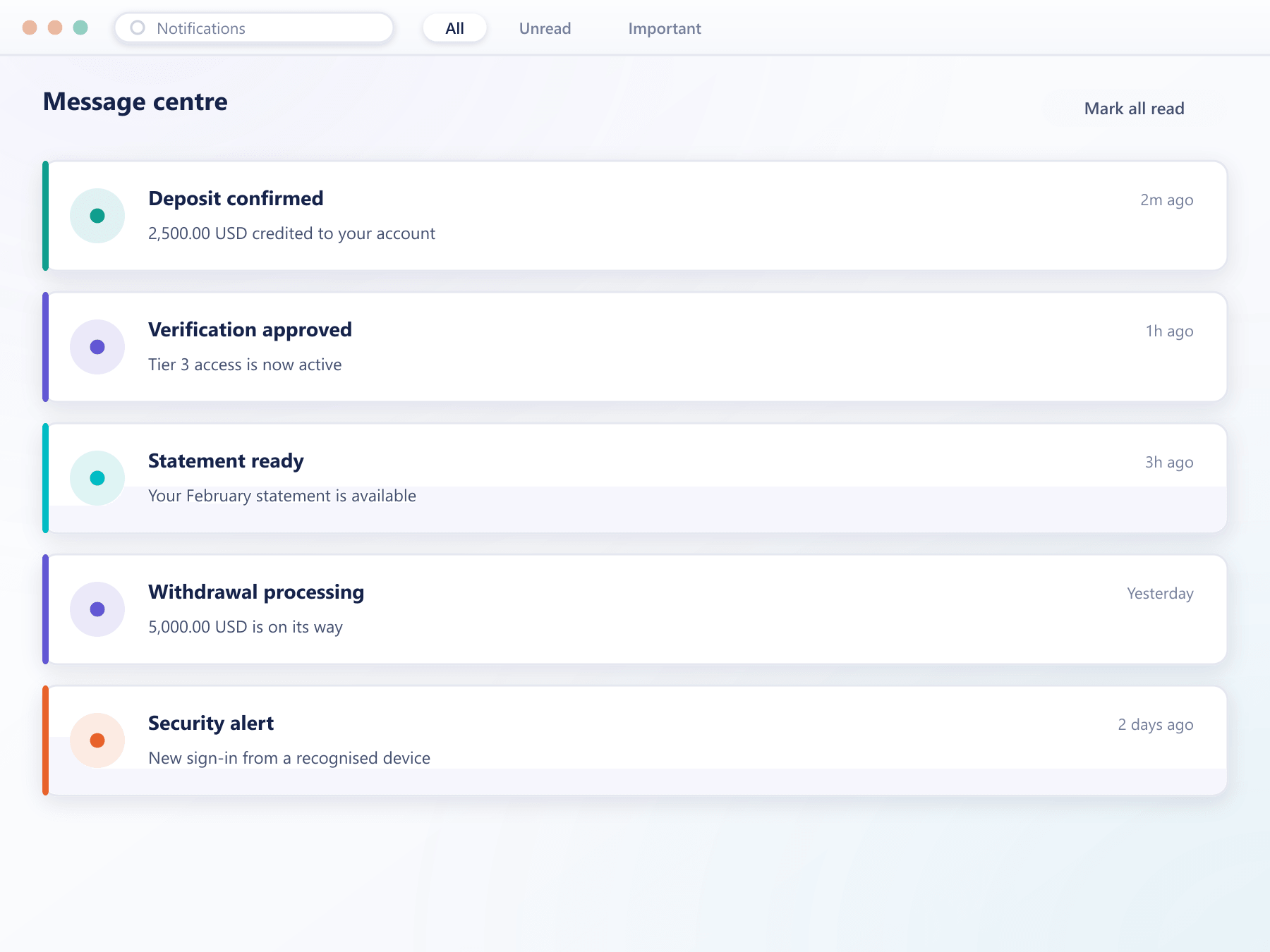
Deposit confirmed, verification approved, withdrawal executed, margin low, maintenance tonight. Each goes to the channels that client has enabled, in your branding, and the delivery is recorded.
Message centre
3The centre keeps a copy of everything, whatever the client turned off elsewhere.
What the notification layer handles
Getting a message to a client sounds trivial until you need to prove you sent it
Three channels
Email from your sending domain, mobile push, and an in-platform message centre that retains everything regardless of the other channels.
Your templates
Every message uses templates you control, in your branding, with content editable per language without a release.
Client preferences
Clients choose which categories reach which channel, which is what keeps operational messages from being ignored.
Operational broadcasts
Your desk can send maintenance notices or condition changes to a client group or the whole book through the same system.
Recorded delivery
What was sent, when and to which channel is written to the client record, which matters when a client says they were not told.
See it live
Every message, one place to check
Deposit confirmations, verification outcomes and margin warnings land in the channels a client actually watches, with delivery recorded on the record.
From event to client
Notifications are triggered by platform events, not by anyone remembering to send them
- Trigger
The event fires it
Deposits, approvals, margin thresholds and account changes each raise a notification automatically as part of the event that caused them.
- Resolve
Channels from preferences
The client's preferences for that notification category determine which channels are used. The message centre always receives a copy.
- Render
Template and language
The template for that category is rendered in the client's language with your branding and sending domain.
- Record
Written to the client record
The dispatch is logged with its channel and timestamp, so your support team can see exactly what a client was told.
What reliable messaging is worth
Notifications are the cheapest re-engagement channel a brokerage has.
Clients come back
A timely message brings a client into the platform without any marketing spend.
Fewer complaints
Margin and withdrawal notices delivered on time prevent the disputes that follow silence.
One trusted channel
Because operational and personal messages share a centre, clients do not learn to ignore them.
Provable delivery
A recorded dispatch settles the question of whether a client was informed.
FAQ
Notifications: common questions
5 short answers to what teams ask before a demo.
Email from your own sending domain, mobile push notifications, and an in-platform message centre. The message centre retains every notification regardless of which other channels were used.
Yes, by category. That matters because a client who has turned off everything to stop marketing messages would otherwise also miss a margin warning.
Yes, per category and per language, in the console. Changes take effect without a release, so wording can be corrected by the team that owns it.
Yes. Your desk can broadcast to a client group or the whole book through the same system, which means announcements land where clients already look.
Yes. Every dispatch is written to the client record with its channel and timestamp, which is what allows support to answer a client who says they were never told.
Still have a question?
A specialist will answer it directly, with your set-up in mind.
Ask a specialistReview your client messaging
Bring the notifications you send today and we will map them to categories, templates and channels.