Client Area
The screen your clients open before they trade
Balances, open accounts, funding status, documents and support all sit on one page in your branding. Most of what a client would otherwise ask your desk is visible here without asking.
Total value
USDAcross 2 accounts and 3 wallets
Deposit pending
2 of 3 confirmationsWhat the portal puts in front of a client
The test of a client area is how many support tickets it prevents
Account overview
Each trading account with its platform, leverage tier, equity and current state, and the actions available on it.
Funding status
Pending deposits with live confirmation progress and withdrawal requests with their position in your approval flow.
Documents and history
Statements, uploaded documents and full transaction history, filterable and exportable by the client themselves.
Consistent across devices
Web and mobile read the same account state, so a client never sees two different versions of their own balance.
See it live
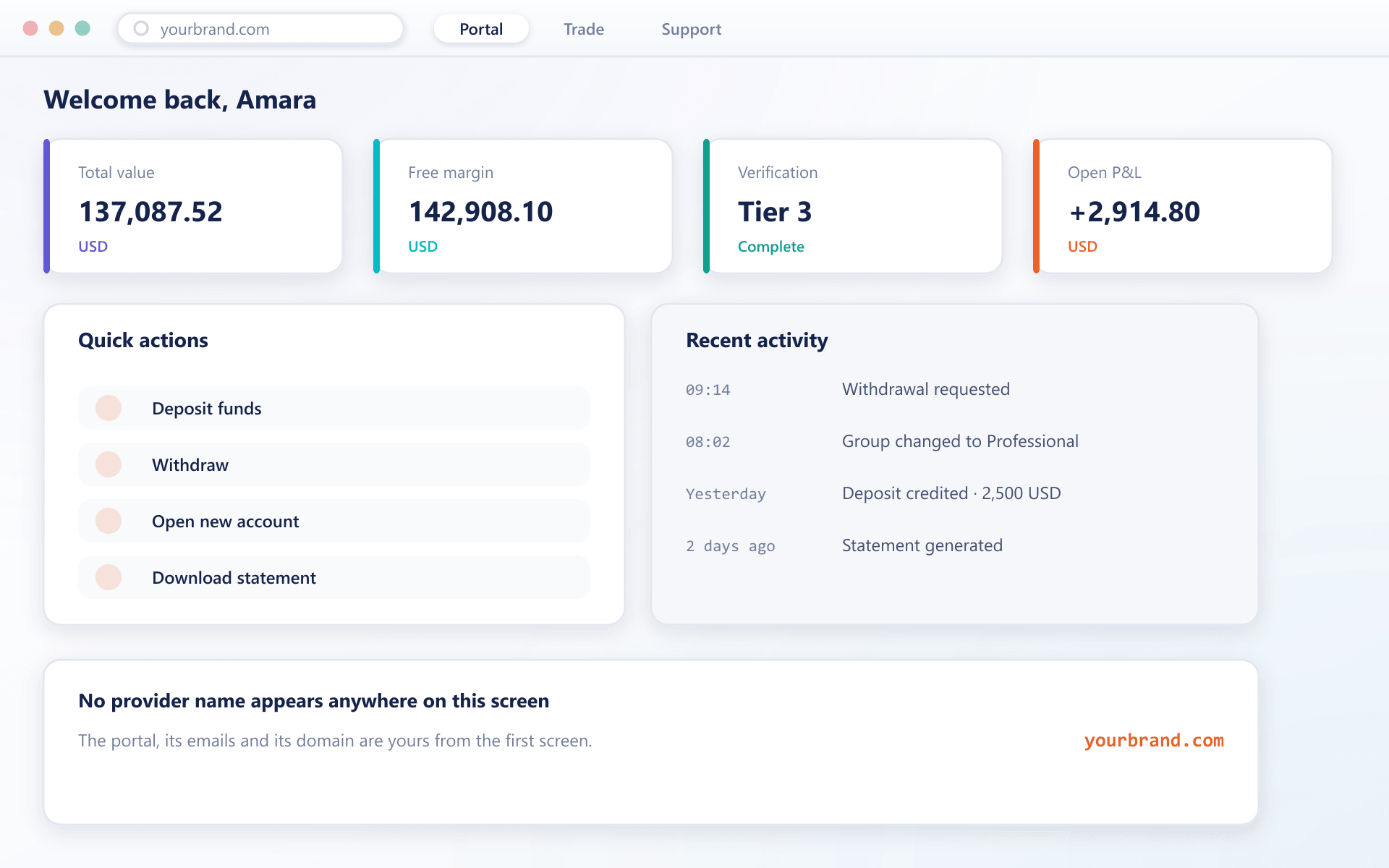
The home screen before the first trade
Balances, accounts, funding status and support sit on one page in your branding — most of what a client would ask is already visible.
Why the portal stays accurate
Most client areas drift from the trading platform. This one cannot.
Balances come from the ledger
The portal reads the same balance ledger the trading platform writes to, so there is no reporting copy that can fall behind.
State pushed, not polled
Balance changes, deposit confirmations and approval decisions are pushed to an open session as they happen.
Clients see what applies to them
Which sections, funding methods and account types appear is resolved from the client group and jurisdiction rather than shown and then refused.
Entirely yours
Domain, logo, colours, typography and email templates carry your identity, with no reference to the underlying provider anywhere.
What a good portal is worth
It is the cheapest support headcount reduction available to a brokerage.
Fewer tickets
Visible status answers the questions that make up most routine contact.
Higher conversion
A client who can see their funding progress is a client who completes it.
Trust in the numbers
Because the portal reads the ledger, it never disagrees with the platform.
Your brand, reinforced
Every session happens on your domain under your identity.
FAQ
Client portal: common questions
6 short answers to what teams ask before a demo.
Yes. The client area and its API endpoints run on your domain with certificates issued during onboarding, so clients never see an unfamiliar address.
No. The portal reads the same balance ledger the platform writes to. There is no separate reporting store that could fall behind or diverge.
No. Sections, funding methods and account types are resolved from the client group and jurisdiction, so a client is not shown an option that would be refused.
Yes. Two-factor can be made mandatory for all clients or for selected groups, and a client who has not enrolled is guided through setup before they can deposit, trade or withdraw.
No. The mobile apps read the same account state and expose the same actions, laid out for a smaller screen rather than trimmed down.
Yes. Transaction history and statements are filterable and exportable by the client directly, which removes a common category of support request.
Still have a question?
A specialist will answer it directly, with your set-up in mind.
Ask a specialistSee the portal in your branding
Send us your logo and colours before the call and we will show you the client area as your clients would see it.