Accounts
Practice accounts that behave exactly like funded ones
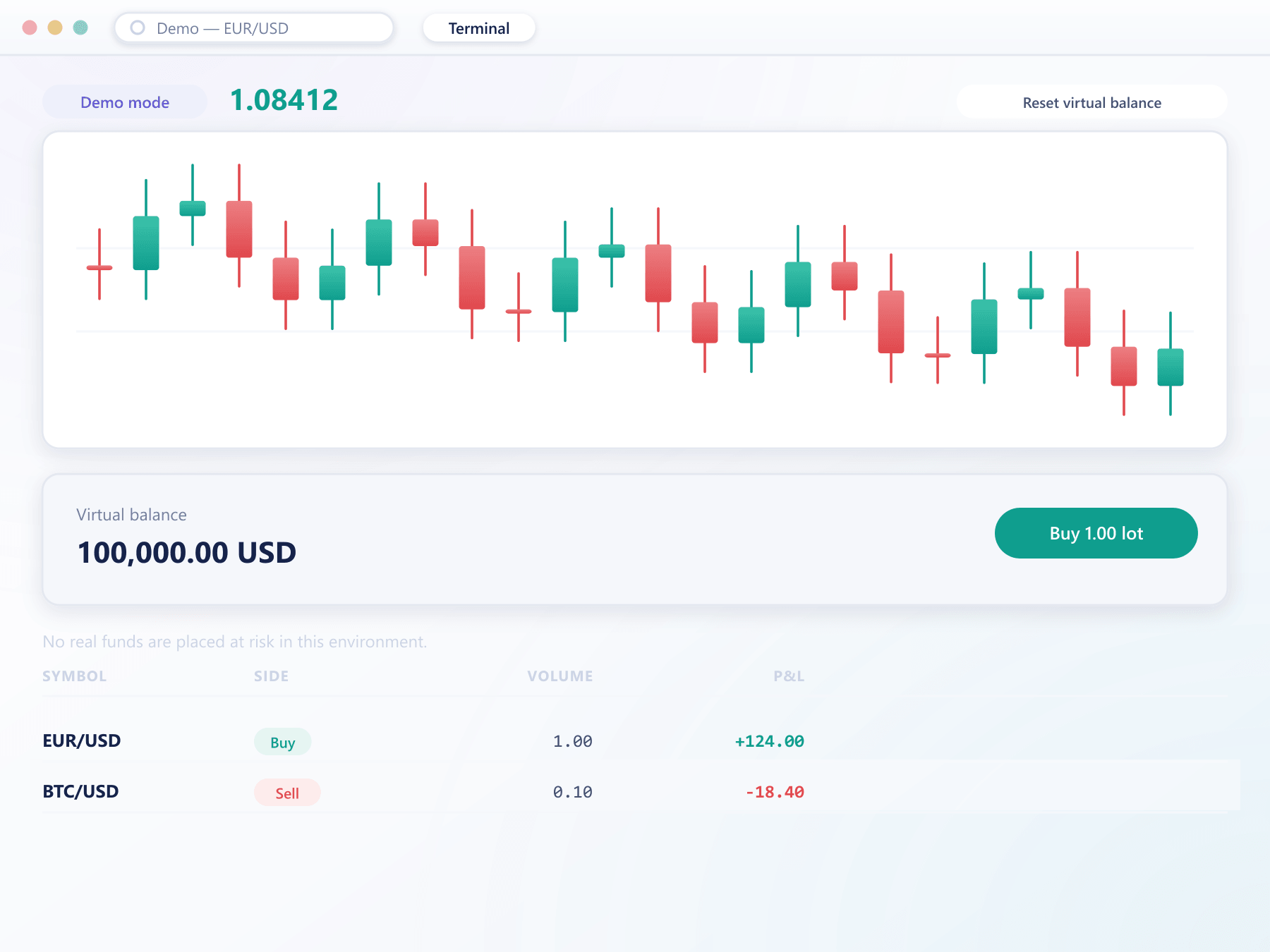
A demo account in TradeX runs through the same matching engine, on the same live prices, with the same order types and the same margin rules. The only difference is that the balance is virtual — which is the point.
Price feed
Live
Live
Matching engine
Production
Production
Order types
Full set
Full set
Margin rules
Identical
Identical
Balance
Virtual
Funded
Settlement
None
Real
The journey
From first look to first funded trade
A demo account in under a minute
A prospect registers with an email and receives a working demo account immediately. No document is requested at this stage, because none is needed to trade virtual balance.
Trading that mirrors production exactly
The workspace, ticket, chart and positions are identical to the funded experience. Prices are live and orders route through the same validation and matching path.
Start again without starting over
A reset restores the configured starting balance and closes open demo positions, while leaving the account, its login and its saved layouts intact.
Become a funded client in one step
Conversion moves the account into a live client group and opens the verification and funding flow. Workspace layouts, watchlists and preferences carry across.
Configuration
What your desk decides
Starting balance
Set per client group and per currency. Most desks pick a figure close to their typical first deposit.
Reset and expiry
Demo accounts can be reset on request and expired after inactivity, so dashboards are not filled with abandoned accounts.
Order set
Every order type available on the live tier is available in demo, so nothing is relearned after funding.
Reporting isolation
Demo activity is tagged throughout and excluded from volume, revenue and exposure reporting by default.
What a credible demo is worth
Shorter sales cycle
A prospect who has already placed an order has answered most of their own questions.
Fewer early tickets
Clients learn on virtual balance, so their first funded trade is not also their first trade.
A training environment
Staff and partners train on the real platform with no financial exposure.
Clean numbers
Demo activity is tagged, so volume and revenue reporting stays honest.
FAQ
Demo accounts: common questions
5 short answers to what teams ask before a demo.
Yes. Demo accounts consume the same live price feed and are matched by the same engine as funded accounts. What differs is only that the balance is virtual and no settlement takes place.
Yes, per client group and per currency. Many desks configure a figure close to their typical first deposit so the practice experience resembles what the client will actually trade with.
You decide. Expiry after a period of inactivity is configurable, as is whether an expired account can be reactivated. Leaving expiry off is also supported.
It is recorded but tagged as demo throughout, so it is excluded from volume, revenue and exposure reporting by default while remaining available if you want to analyse it.
The account moves into a live client group and the verification and funding flow opens. The login, saved workspace layouts, watchlists and preferences all carry across, so the client is not starting from an empty platform.
Still have a question?
A specialist will answer it directly, with your set-up in mind.
Ask a specialistRelated
Related capabilities
Try the demo experience your clients would get
We will open a demo account configured with your intended instrument list so you can judge it as a prospect would.