Platform Essentials
Everything your desk administers, in one place
Instruments, client groups, fee schedules, risk limits, account management, withdrawal approvals and reporting are all in the same console, with role-based permissions deciding who can touch what.
Broker console
Instruments
EUR / USD
LiveXAU / USD
LiveBTC / USDT
LiveUS 500
SuspendedRole-based access
A support agent and a risk manager open the same console to different work
| Role | Instruments | Groups | Risk | Accounts | Approvals |
|---|---|---|---|---|---|
Support | |||||
Operations | |||||
Risk | |||||
Administrator |
See it live
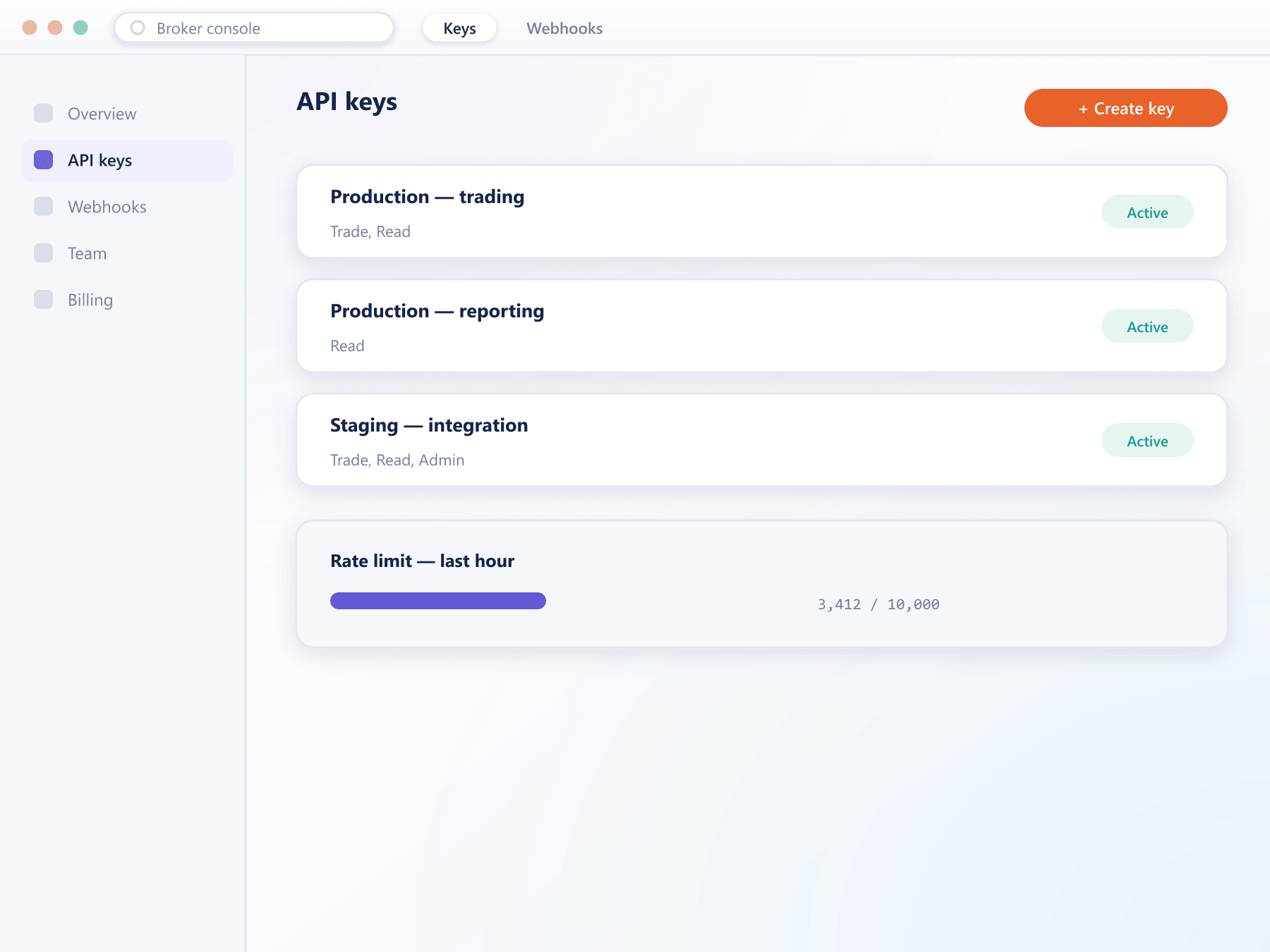
API keys and scopes, issued from the console
Every key an operator issues carries its own scopes and rate-limit budget, listed alongside current usage so nothing is granted more access than it needs.
How a change reaches production
There is no deployment step
That is the whole point of the console.
- 1
Editing
An operator edits a configuration object through a form that validates the values before accepting them.
- 2
Approval
Where you enable it, a change is proposed by one operator and applied only after another with the right role approves.
- 3
Effect
New conditions apply from the next order or evaluation. Open positions keep the terms they were established under.
- 4
Record
The audit log records what changed, from what to what, by which operator and when. Nothing is anonymous.
FAQ
Broker console: common questions
5 short answers to what teams ask before a demo.
Instruments and their specifications, trading calendars, pricing sources and markups, client groups and every condition attached to them, fee schedules, risk limits, and account-level operations such as approvals and tier changes.
Through roles. Each operator is granted a role carrying a specific permission set, so a support agent, a risk manager and an administrator see different capabilities in the same console.
Yes. Where enabled, a change is proposed by one operator and takes effect only after a second operator with the appropriate role approves it. The proposal and the approval are both logged.
No. Open positions keep the conditions they were established under. New settings apply from the next order or the next evaluation, which prevents a fee or leverage change from retroactively altering a client's position.
Yes. The audit log records the object changed, the previous and new values, the operator identity and the timestamp. There is no unattributed change path.
Still have a question?
A specialist will answer it directly, with your set-up in mind.
Ask a specialistGet your hands on the console
We will give your operations team console access during the walkthrough rather than showing screenshots.