Smart Trading
Charts that show where the trader actually stands
Open positions, resting orders, stop levels and take-profit targets are drawn on the price itself. Dragging a level amends the order, and the change is validated before it reaches the book.
EUR / USD
1HOn the price
Take profit
1.08910 · 1.00 lot
Stop loss
1.08430 · drag to amend
Entry
1.08624 · average price
Resting limit
1.08350 · queued
Key features
Analysis that stays connected to the account
A chart that cannot see the trader’s positions is a picture. This one is part of the trading surface.
Orders on the price
Resting orders, entry levels, stops and targets render as lines on the chart, each labelled with its size and type.
Drag to amend
Moving a level submits an amendment through the same validation path as a new order, so an invalid move is rejected with a reason rather than silently applied.
Timeframes and aggregation
From tick-level detail up to monthly candles, aggregated from the same trade data the engine produced.
Indicators and overlays
A standard indicator library with configurable parameters, applied per chart and saved with the workspace layout.
Drawing tools
Trend lines, levels, channels and annotations persist with the account rather than the browser session.
See it live
A moving average and volume, without leaving the chart
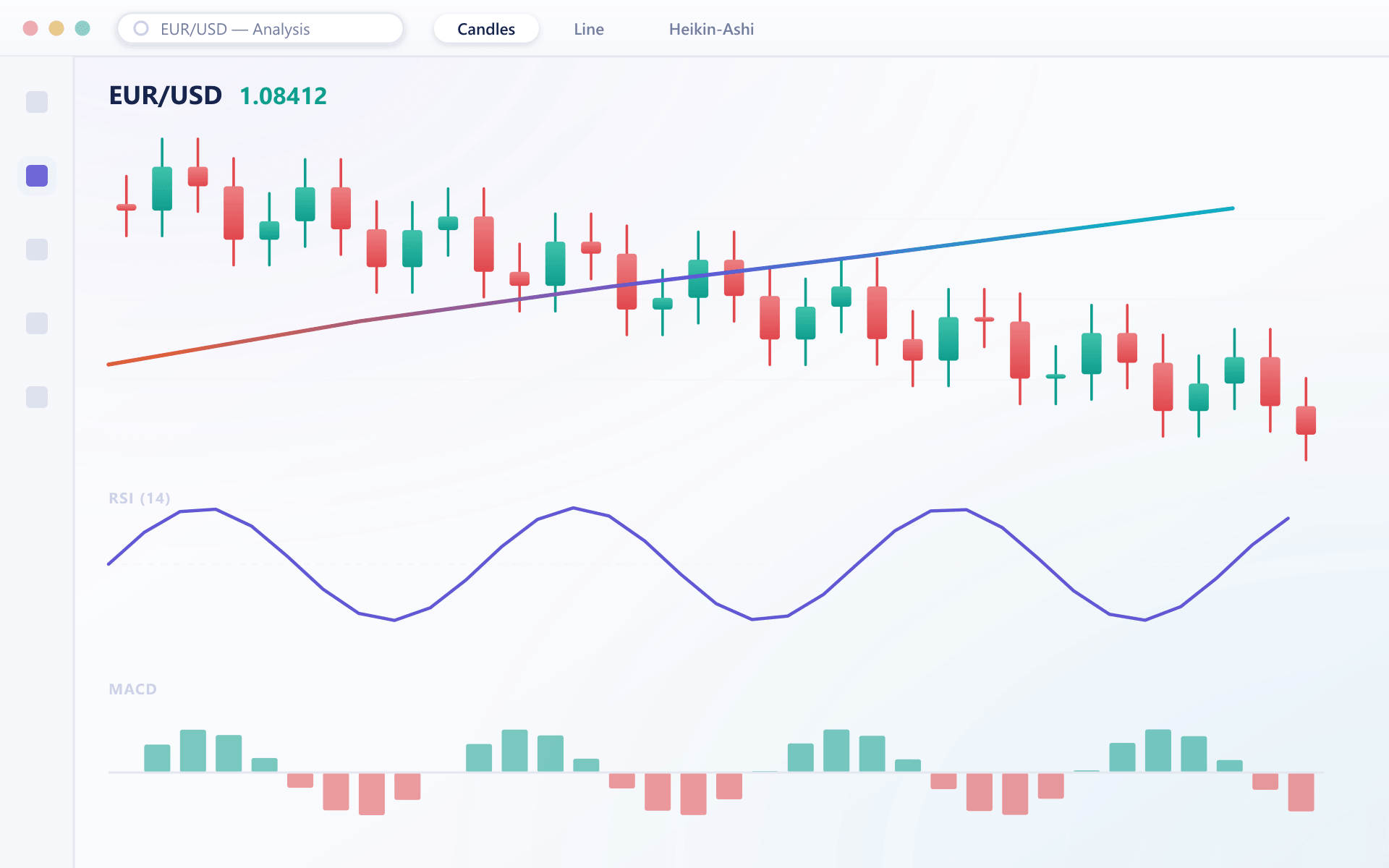
Indicators sit on the same candlestick view as the orders drawn on the price, so a trader reads trend and position together rather than switching panels.
Why chart integration matters
The gap between analysis and execution is where most trading mistakes happen.
Faster adjustments
Moving a stop is a drag rather than a form, which matters when a market is moving.
Fewer mistakes
Seeing the position on the chart removes the arithmetic that causes wrong-sized orders.
Less switching
Clients who would analyse elsewhere and execute with you stay in one place.
Same on mobile
Because analysis is stored on the account, mobile and web show the same picture.
FAQ
Charting: common questions
6 short answers to what teams ask before a demo.
Candles are aggregated from the trade and quote data already flowing through the platform. There is no separate charting feed, which is why the chart and the order book can never disagree.
Yes. Dragging an order or protective level submits an amendment through the same validation path as any other order change. If the amendment breaches a price band or margin requirement it is rejected and the level snaps back.
They are stored server-side against the account as part of the workspace layout, so they survive a logout and appear on any device the client signs in from.
From tick-level detail through the common intraday intervals up to weekly and monthly candles. Which timeframes appear can be restricted per client group if you want a simpler retail experience.
Yes. The mobile clients render the same chart with the same overlays and the same saved analysis, adapted to a touch interface for drawing and amending.
Yes. An order can be placed at a level directly from the chart, and open stop-loss and take-profit levels appear as lines that can be dragged to a new price. The change is shown with its distance before it is confirmed.
Still have a question?
A specialist will answer it directly, with your set-up in mind.
Ask a specialistSee the chart with live orders on it
We will place orders during the walkthrough so you can watch them appear on the chart and amend them by dragging.