Margin health
Healthy
Trade normally
Warning
Client is notified
Restricted
Exposure frozen
Reduction
Positions stepped down
Thresholds are set per client group.
For FX & CFD Brokers
Margin management in stages, not a single cliff edge
Warning, restriction and liquidation are separate thresholds, evaluated on every price update. A client is notified, then prevented from increasing exposure, and only then reduced — with every step recorded.
A different response at each threshold
The point of staging is that most accounts recover before the last stage
Warning level
The client is notified across every channel they have enabled, with the shortfall stated and the position most responsible identified.
Restriction level
New orders that would increase exposure are refused while reducing orders remain permitted, so a client can act but not dig deeper.
Progressive reduction
Positions are reduced in steps to restore margin health rather than closed wholesale, which usually leaves the client with a position.
Full liquidation
Where reduction cannot restore health, remaining positions are closed. The sequence is deterministic and configured in advance.
Recorded throughout
Each threshold crossing, notification and reduction step is written to the event log, which is what makes a complaint answerable.
See it live
Margin utilisation, watched before it becomes a call
Utilisation, exposure and stop-out buffer gauges sit beside per-group limit bars, so your desk sees an account approaching a threshold, not just crossing it.
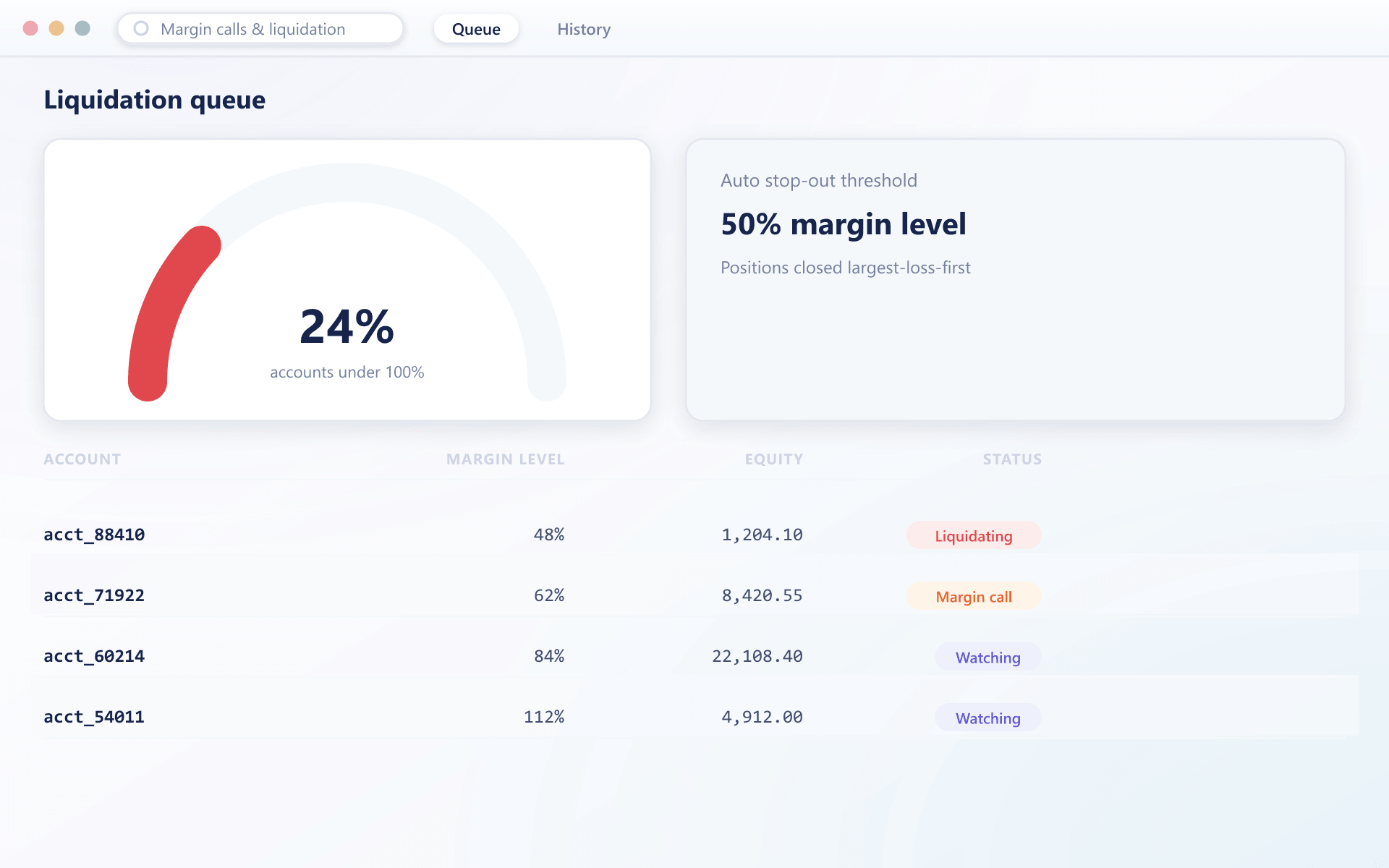
An account moving through the stages
What the engine does at each level, and what the client sees
- Monitoring
Margin level recalculated per tick
Every price update recomputes the account's margin level. Nothing waits for a scheduled sweep, which is what keeps a fast move from outrunning the engine.
- Warning
The client is told first
Crossing the warning threshold sends a notification on every enabled channel, stating the shortfall and what would restore health.
- Restriction
Exposure is frozen
At the restriction threshold, orders that would increase exposure are refused. Reducing orders and deposits remain available so the client can recover.
- Reduction
Reduced in steps, then closed
Positions are reduced according to the configured ordering until health is restored, and only closed entirely if reduction cannot achieve it.
Why staging is worth the configuration
Liquidation is the moment a client decides whether to stay with you.
Fewer deficits
Per-tick evaluation and progressive reduction mean far fewer accounts finish below zero after a fast move.
Clients survive
Warning and restriction give a client the chance to deposit or reduce before anything is closed for them.
Defensible complaints
A full record of notifications and steps turns a liquidation dispute into a review of evidence.
Predictable book behaviour
Because the reduction ordering is configured, your risk team knows in advance how the book unwinds under stress.
FAQ
Margin calls and liquidation: common questions
5 short answers to what teams ask before a demo.
On every price update affecting the account's positions. There is no scheduled sweep, which is what prevents a fast market move from producing a deficit before the engine responds.
Yes, at the warning threshold, on every channel they have enabled, with the shortfall stated. The restriction stage follows before any position is reduced.
Not by default. Positions are reduced progressively according to a configured ordering until margin health is restored. Full closure happens only where reduction cannot achieve it.
Yes. Warning, restriction and liquidation levels are group properties, so a professional tier and a retail tier can be managed on different terms.
Every threshold crossing, every notification sent, each reduction step with the position and size involved, and the resulting margin level after each step. The whole sequence is replayable from the event log.
Still have a question?
A specialist will answer it directly, with your set-up in mind.
Ask a specialistWatch the full sequence on a demo account
We will drive a demo account through warning, restriction and staged reduction so you can see every stage.