Platform Essentials
Reporting that reads the same records as the platform
Volume, revenue, exposure, client activity and partner commission are all queries over the event log rather than a separate warehouse that has to be kept in step.
Revenue by source
Saved reportCommission
46%
Markup
31%
Financing
17%
Funding
6%
Scheduled weekly to 4 recipients
The reports a desk actually runs
The questions operations, finance and management ask every week
Volume and activity
By instrument, asset class, group, period
Revenue breakdown
Commission, markup, financing, funding
Exposure
Net and gross, with largest contributors
Partner commission
Accrued and paid, per partner and tier
See it live
KPI tiles and P&L, built from the same records
Cumulative P&L, asset breakdown and the most-traded list sit on one dashboard, drawn from the event log rather than a separate reporting warehouse.
From event to report
There is no build step, which is why there is no window when the numbers are wrong.
- 01
Reports query the event log
Every report is a query over the same events that produced balances and positions. There is no extract step that could omit or duplicate a record.
- 02
Scoped the way you ask
Period, instrument, asset class, client group and partner can be combined, and the resulting scope is what a scheduled delivery repeats.
- 03
The file is the view
Exports produce exactly the scoped result in a spreadsheet-friendly format, with the applied filters recorded in the file.
- 04
Delivered without being requested
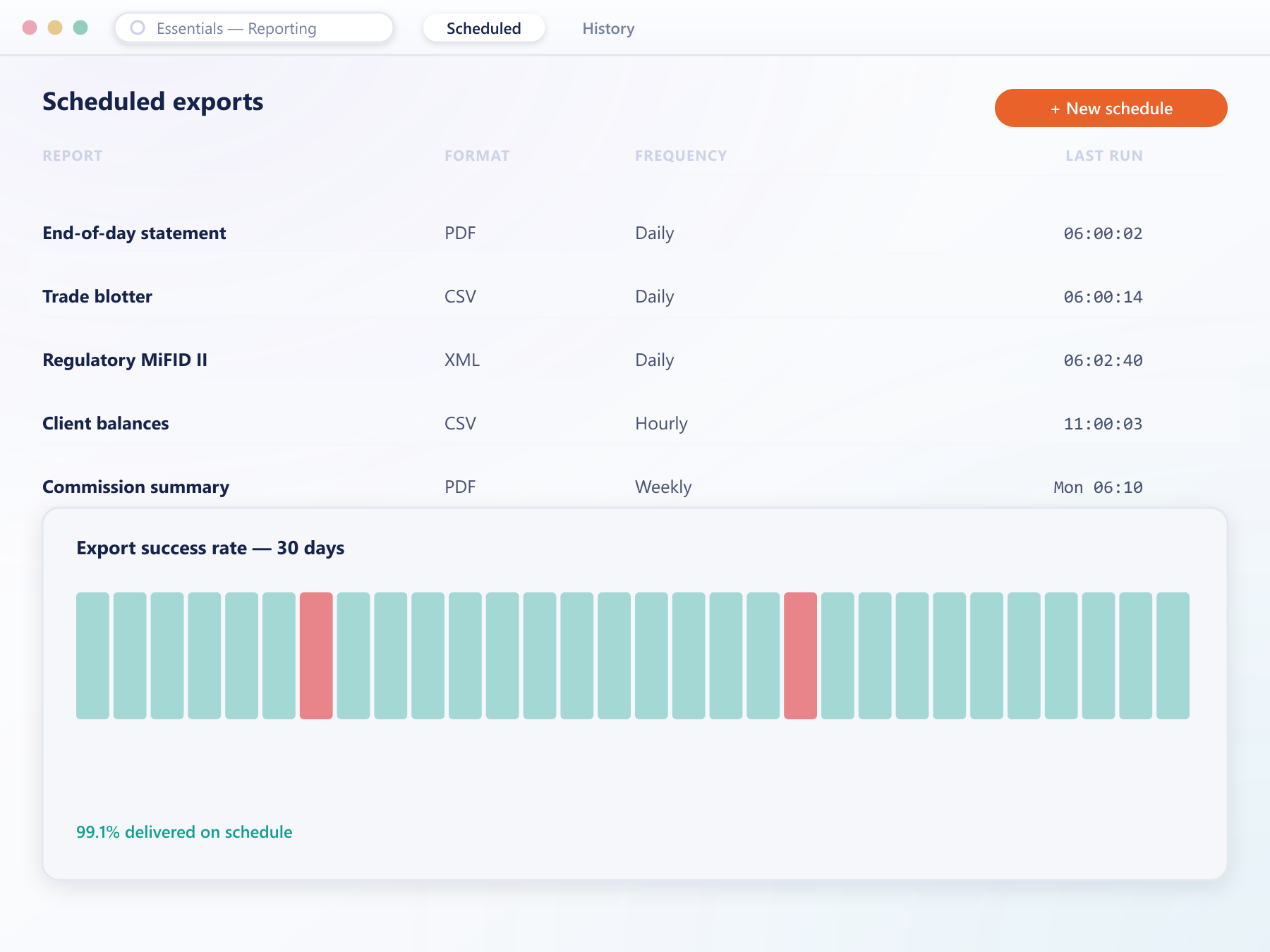
A saved report runs on a schedule and is delivered to named recipients, removing the weekly ritual of generating it by hand.
FAQ
Reporting: common questions
5 short answers to what teams ask before a demo.
No. Reports are queries over the same event log that produces balances, positions and history. That removes the extract step where records are usually lost or duplicated.
Yes. Any saved report with its filters can run on a schedule and be delivered to a named recipient list, so recurring numbers arrive without anyone generating them manually.
A spreadsheet-friendly format that opens directly in the usual tools, with the applied filters recorded in the file so the scope travels with the data.
Yes. The underlying records are available over the API, which lets you feed your own analytics or business intelligence tooling from the same source the built-in reports use.
They reflect events as they are written. There is no nightly build, so a report run mid-session includes activity from moments earlier.
Still have a question?
A specialist will answer it directly, with your set-up in mind.
Ask a specialistRun your reports against live data
Tell us which numbers your board asks for and we will produce them in the console during the call.