Smart Trading
Immediate execution, without the accidents
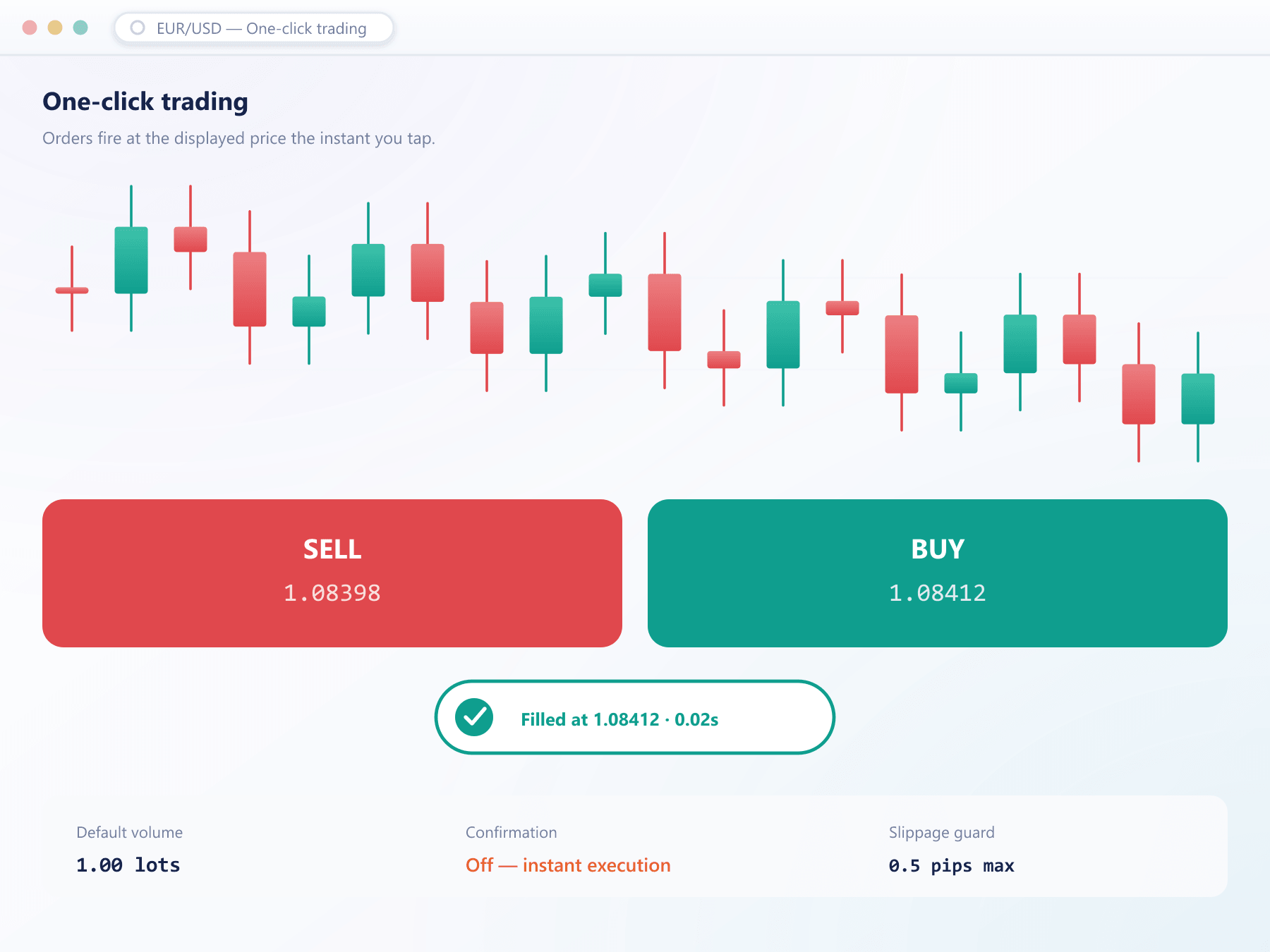
One-click trading removes the confirmation step for traders who need speed. It is off by default, opted into explicitly, and every click still carries a size limit and a slippage band.
Quick trade
Enabled
Preset sizes
Slippage cap 2.0 pts applies to every click
See it live
An order ticket that still asks for SL and TP
Even at speed, the ticket keeps the fields that matter: size, stop loss and take profit, so a quick click never means an unprotected position.
The guard rails
Removing a confirmation dialog should not mean removing the protections behind it
Explicit opt-in
One-click is disabled until the trader turns it on and acknowledges what it changes. The setting is stored on the account and can be revoked by your desk.
Off by defaultPreset sizes
Traders configure a small number of preset quantities per instrument, so a click always sends a size they chose deliberately.
Chosen in advanceSlippage band
Each one-click order carries the instrument slippage cap. A market that has moved beyond the band rejects the order rather than filling it at any price.
On every clickPer-group availability
Whether one-click can be enabled at all is a client group property, so it can be reserved for tiers that should have it.
Your decisionIdentical logging
One-click orders write the same event records as any other order, including the fact that they were submitted through the quick path.
Fully auditedWho this is for
A professional tool, treated as one
Traders working fast markets will leave a platform that makes them confirm every order. Everyone else is better served by the standard ticket, which is why this is a per-group decision rather than a default.
Active traders stay
The speed is the retention argument.
Risk stays bounded
Worst case of a stray click is small and known.
Disputes stay short
Opt-in and every click are on the record.
You control exposure
Availability is a group property.
FAQ
One-click trading: common questions
5 short answers to what teams ask before a demo.
No. It is off until the trader enables it and acknowledges that orders will be submitted without a confirmation step. Your desk can also disable it for an account or an entire client group.
Two things: the order size comes from a preset the trader configured in advance, and every one-click order carries the instrument slippage band, so an order in a fast market is rejected rather than filled at an unexpected price.
Yes. Whether one-click can be enabled at all is a client group property, so it can be reserved for professional or institutional tiers.
They write the same event records as any other order, with an additional marker showing that they were submitted through the quick path. That marker is what makes later analysis straightforward.
Yes, with the same opt-in, presets and slippage protection. On touch interfaces the quick controls are spaced deliberately to reduce accidental activation.
Still have a question?
A specialist will answer it directly, with your set-up in mind.
Ask a specialistTry one-click on a live environment
We will enable it during the walkthrough so you can see exactly what a trader experiences and what gets logged.